
GTA Lockman Mobile Locksmith Services · Toronto & GTA
Separate a locked-door access problem from battery, alignment and account issues before resetting or replacing the device.
Related services
Help with authorized entry and doors that will not secure. Describe the opening so we can assess the appropriate service.
Learn moreWork through mechanical fit, power and supported controls when an electronic lock becomes unreliable.
Learn morePlan keyless entry around door compatibility, code management and a practical backup entry method.
Learn moreDiagnose resistance, incomplete bolt travel and failed connections without assuming every deadbolt needs replacing.
Learn more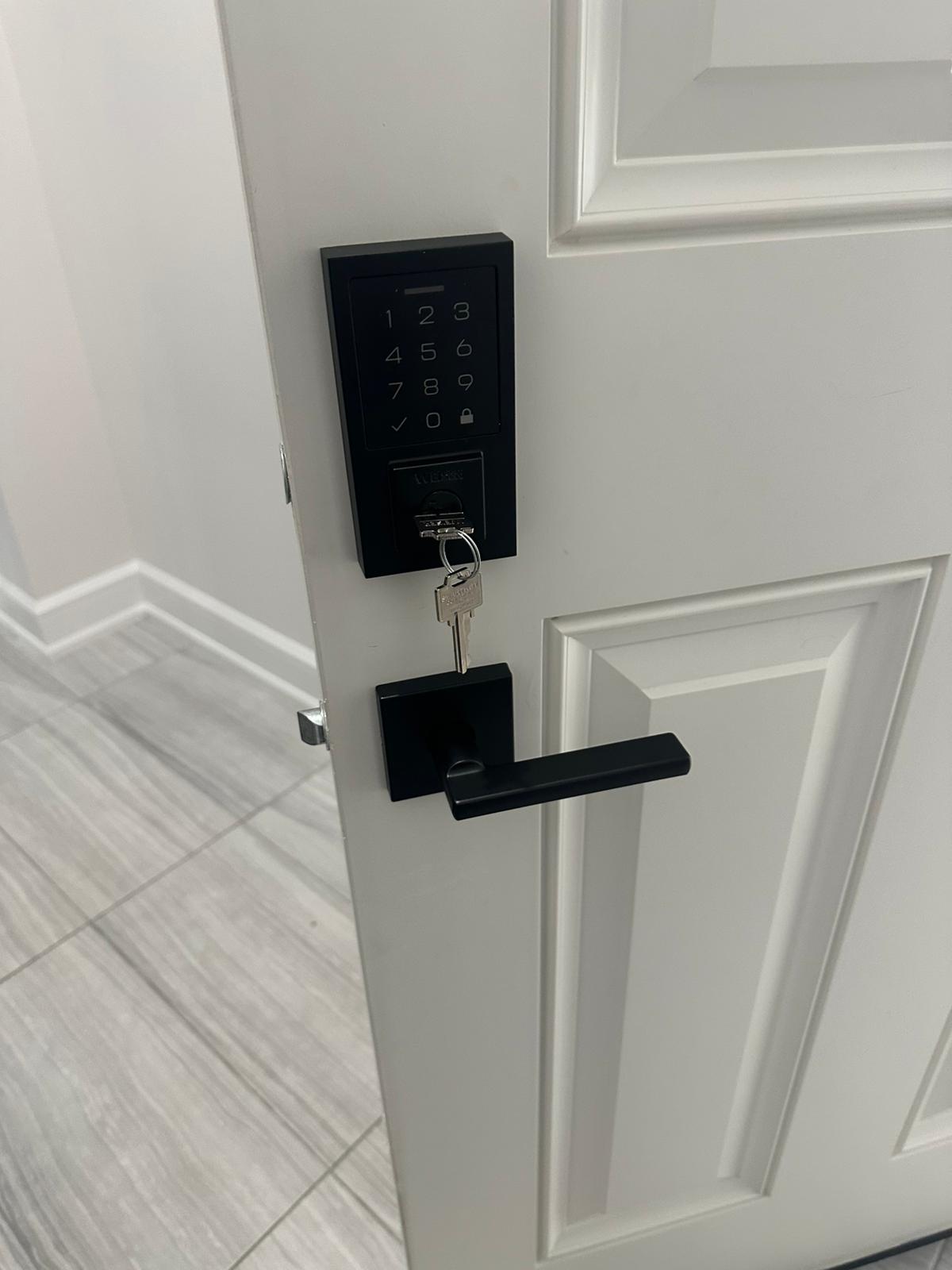
When a smart lock stops responding with the door locked, the first task is to establish a safe, authorized way to assess the opening. A troubleshooting sequence that is reasonable with the door open may leave you with fewer options when the bolt is extended. Tell GTA Lockman Mobile Locksmith Services whether anyone is inside, whether another authorized entrance is available and whether the lock has a manufacturer-supported mechanical override.
Do not force the handle, keep cycling a struggling motor or attempt to reach the interior unit by climbing. If someone is at risk, contact the appropriate emergency service. A locksmith appointment addresses the lock and door; it should not delay assistance for a medical incident, fire or immediate threat.
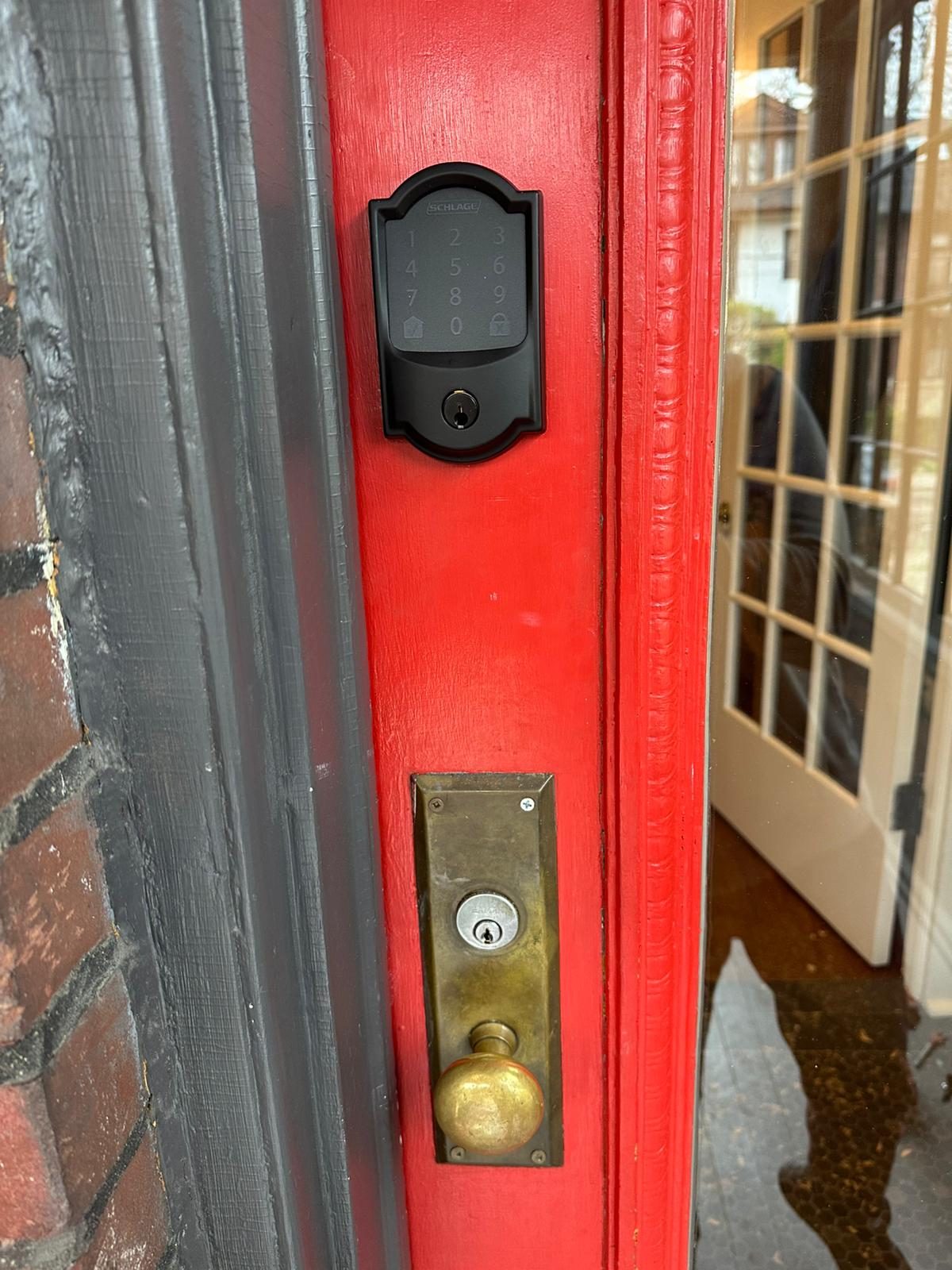
The phrase smart lock covers products with very different designs. Some replace a complete deadbolt, some operate an existing mechanism and others use a different lock format. The visible keypad alone may not identify the model. A photograph of the outside unit, an available model label and the manufacturer's name are useful starting points.
Observe the response to an ordinary authorized operation without repeating a failure indefinitely. Does the keypad illuminate? Does it acknowledge the code? Is there a motor sound, a warning tone or an app message? Does the handle move while the latch remains engaged? These observations help distinguish several possible causes without assuming the electronics have failed.
A silent keypad can indicate a power issue, but the reason cannot be confirmed from that symptom alone. A responsive keypad with a straining motor suggests a different assessment from an app that reports the device offline. A code being rejected is also different from an accepted code followed by no bolt movement. Record the exact behaviour and avoid interpreting every warning as the same fault.
If the symptom followed a battery change, hardware adjustment, app update or ownership transfer, mention that sequence. Details about what changed are often more useful than the age of the device. Do not send a PIN, recovery code or account password in photographs or public messages. The service request needs the model and symptoms, not the credentials themselves.
Some locks provide an external backup power method, while others rely on a mechanical key or another supported arrangement. Use only the manufacturer's instructions for the exact model. A connection or battery type described for a different device should not be improvised on yours. External power, where supported, does not prove that the mechanical parts are free to move.
If an authorized mechanical override key is available, tell the technician whether it enters and turns normally. Do not force a bent key or continue turning against resistance. The keyed cylinder and the electronic control can share the same loaded bolt, so a door-alignment issue may affect both entry methods.
Battery replacement may be accessible only from inside. In that case, the locked-door access problem must be addressed before normal maintenance can occur. Once access is restored, the battery type, contacts and installation can be reviewed according to the product instructions. The appointment should not be described as a battery-only job before the opening has been assessed.
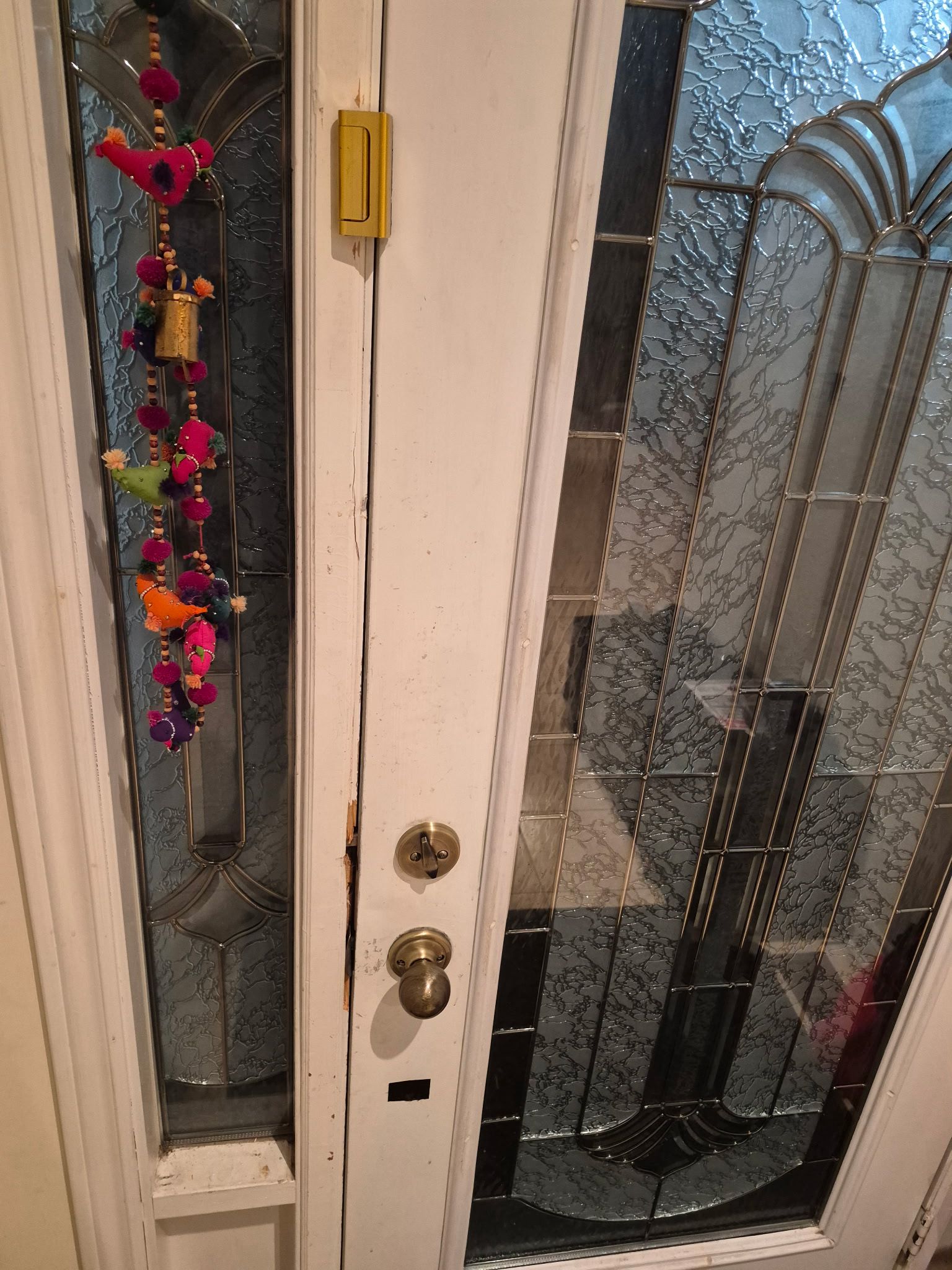
A motorized bolt needs a clear travel path. If the door has shifted, a strike opening is misaligned or the hardware is fitted under tension, the motor may stop or report a jam. Repeated attempts do not correct that physical resistance. A lock that works while the door is open but fails when closed requires attention to the opening as well as the device.
The technician can assess hinge movement, trim fitting, bolt travel and the relationship to the strike after authorized entry. A different smart lock may encounter the same problem if those conditions remain. Our deadbolt repair page explains the mechanical side of this assessment, including the difference between cylinder trouble and pressure at the frame.
Do not grind the strike or loosen hardware at random in an attempt to satisfy the motor. An adjustment needs to be based on the position and operation of the door. The final test should show normal closing and full intended bolt movement without a special push, lift or pull that conceals an unresolved fit problem.
An app may depend on account ownership, a supported connection or a separate bridge. The lock may still support local entry even when remote features are unavailable, depending on its design and settings. Conversely, an app displaying an online status does not confirm that a resisting bolt has actually moved. Describe both the software indication and what the door does.
Account recovery, cloud-service availability and ownership transfer may require the manufacturer's support. The locksmith can assess compatible physical hardware and installation issues, but should not promise to restore an account that belongs to someone else. Establish who administers the device and use that provider's supported process.
Avoid a factory reset while the door is locked unless the exact instructions and consequences are understood. A reset can remove users, alter settings or introduce a pairing requirement without resolving the access problem. Preserve useful error information first. For a lock that remains accessible but behaves inconsistently, our smart lock troubleshooting service addresses that different situation.
Photos
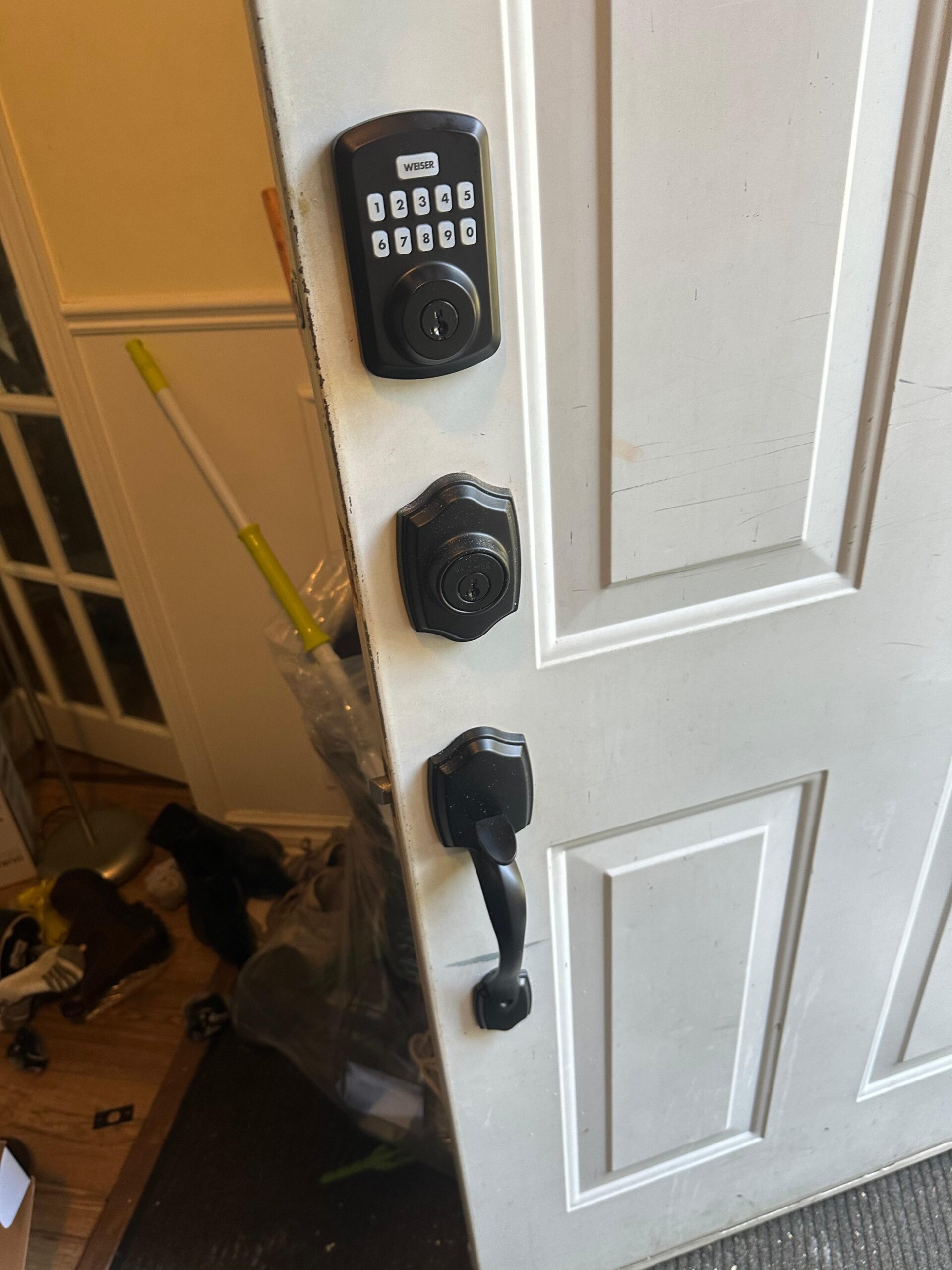
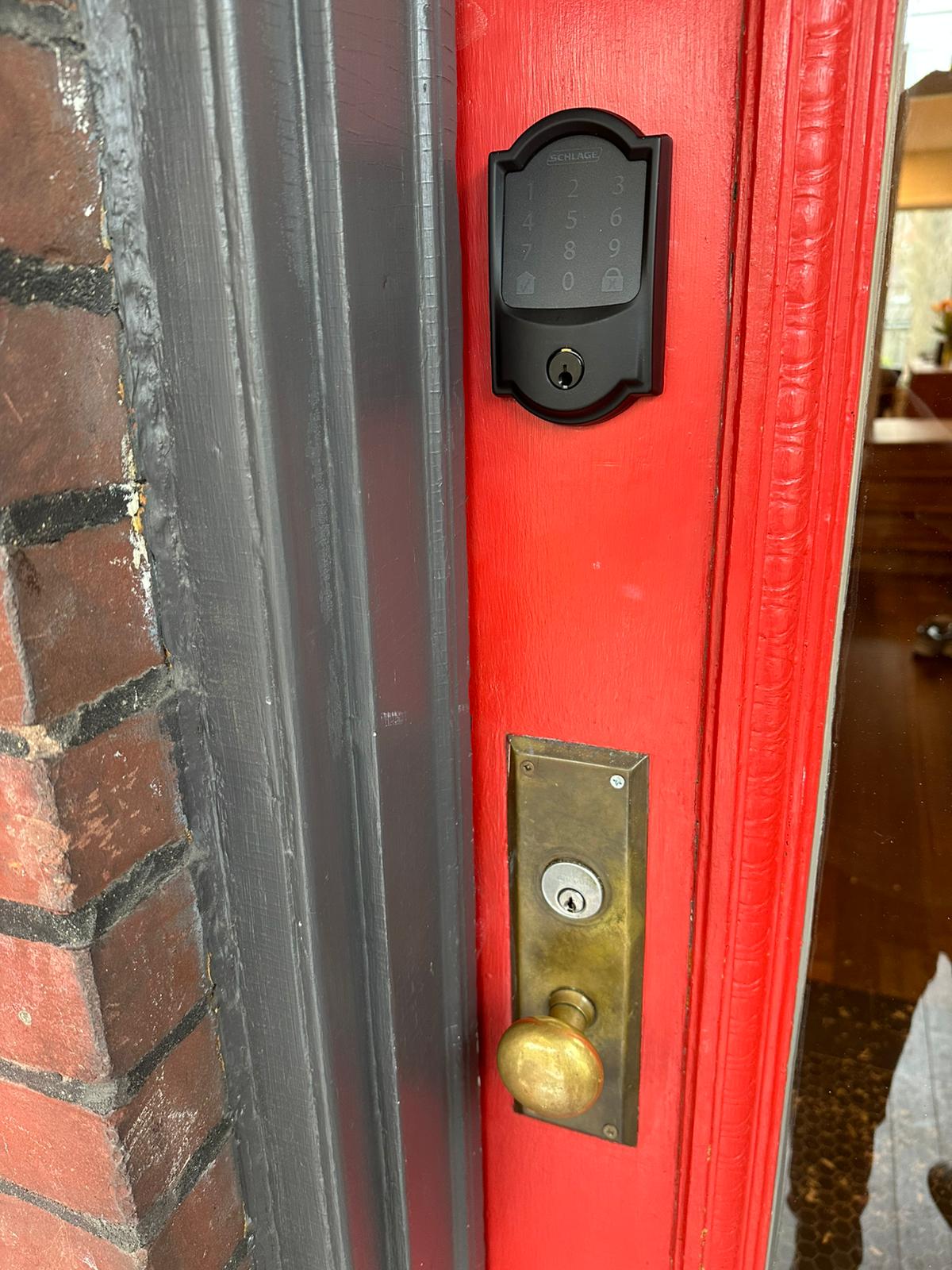
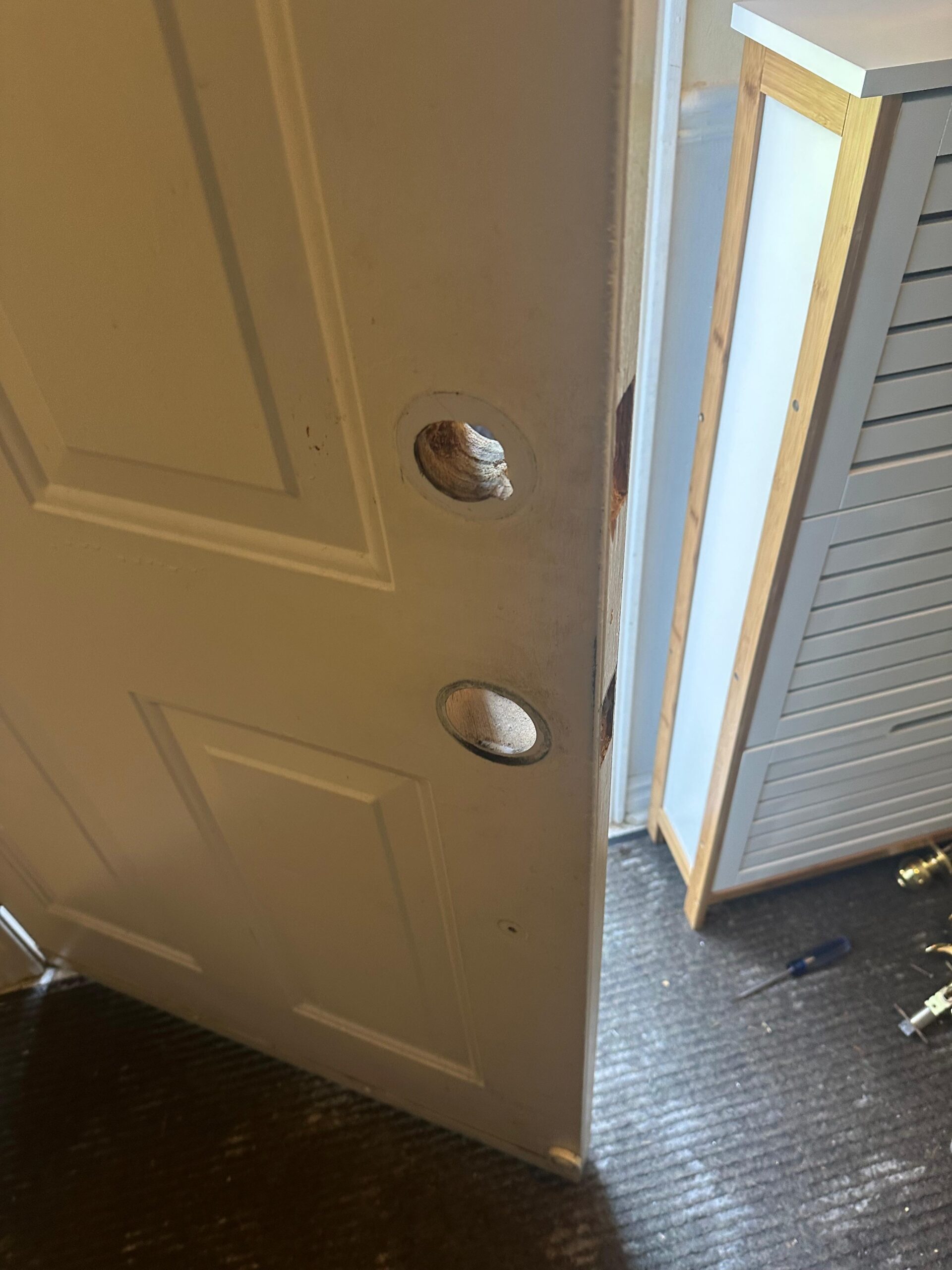
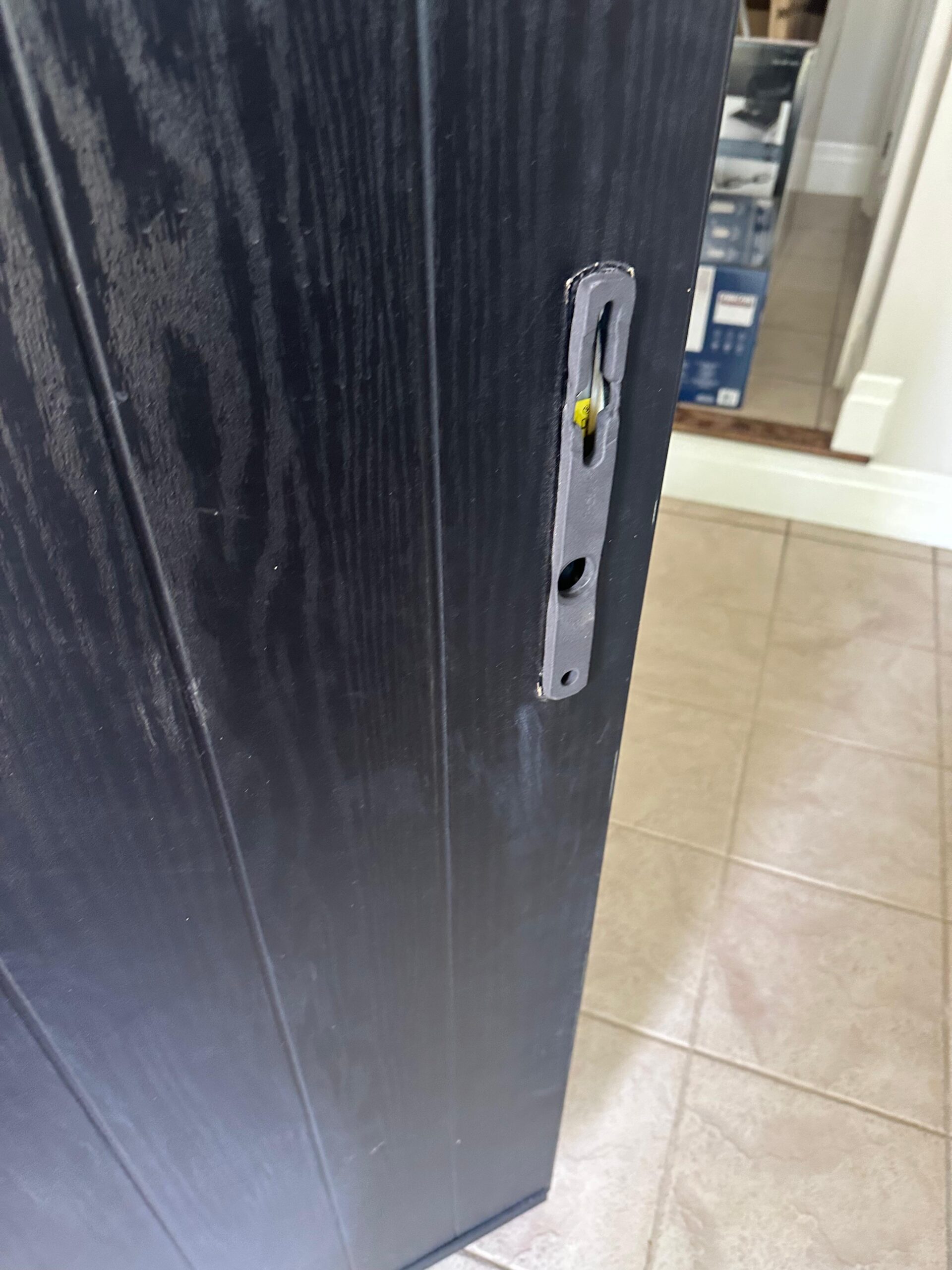
Photographs from GTA Lockman Mobile Locksmith Services work across Toronto and the GTA. Send a picture of your own door and we can tell you what the visit would involve.
In a rental or shared home, establish who can authorize service and who controls the electronic account. A guest code may provide entry without granting permission to replace the unit or erase its users. Contact the owner or responsible manager before changes beyond the authorized opening are made.
Condominium suite doors can have specific hardware requirements. A replacement that fits the holes may still be unsuitable for the opening or the building's arrangements. Management instructions, model information and photographs help the assessment. A common-area fob failure should be directed to the administrator of that system rather than treated as a reason to change the suite lock.
If the lock belongs to a short-term accommodation, coordinate with the host through the platform or agreed private channel. Avoid posting the code or address publicly while seeking help. The technician needs an authorized scope for the affected door, not unrestricted access to other rooms or devices at the property.
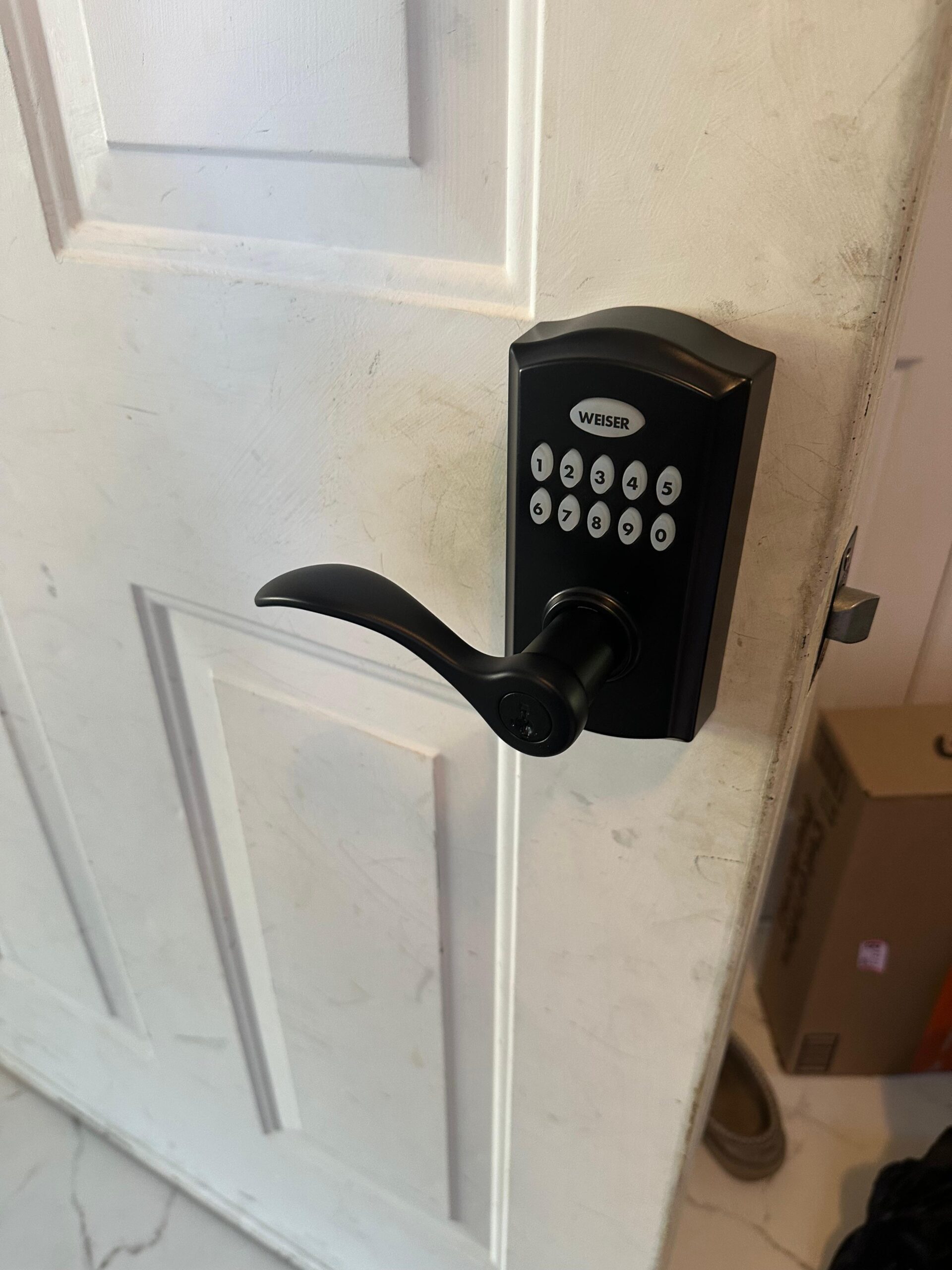
Test the mechanical operation before returning to electronic setup. The door should close and the bolt should travel correctly under normal conditions. Then review the device's supported battery, calibration and user-management procedures. A working keypad following an opening is not enough if the bolt still binds against the strike.
Document the cause that was actually identified. If no hardware fault is found and an account issue remains, record that limit clearly. If a worn mechanism needs replacement, explain the compatible options and any effect on existing keys, codes or accounts. Keypad installation may be a separate project rather than a necessary part of every lockout visit.
Keep the model details, product instructions and recovery information in a private place accessible to the authorized administrator. Review the backup entry arrangement and remove obsolete users where supported. Our emergency locksmith page explains how to arrange authorized entry during posted hours, while ongoing maintenance should follow the device manufacturer's guidance.
A useful service history might say that the lock worked by keypad in the morning, made several motor movements in the afternoon, and then displayed a low-power warning while the door remained closed. Another might say that all local codes still work but the phone app stopped connecting. Those accounts lead to different starting points.
Record recent battery changes, door work and administrator changes without experimenting with unsupported procedures. If another authorized entrance is available, mention it; safe access to the inside hardware can change what can be inspected. After the door is opened, keep entry restoration and fault correction separate in the work record. A door that has been opened once still needs normal-operation checks before the household relies on the device again. Where only access was requested, document the recommended maintenance or provider follow-up rather than implying that the complete system has been repaired.
Keep reading
The app status and the physical position of the door hardware are different observations. A motor may have attempted to move a bolt without completing the movement, or the latch or door itself may be binding. Another locking point can also remain engaged. Describe the sounds, displayed status and movement you can safely observe. Do not keep forcing the handle because a screen says the opening is unlocked. The technician needs the product model and the actual door condition to distinguish a control issue from a mechanical obstruction before recommending an access method.
The app status and the physical position of the door hardware are different observations. A motor may have attempted to move a bolt without completing the movement, or the latch or door itself may be binding. Another locking point can also remain engaged. Describe the sounds, displayed status and movement you can safely observe. Do not keep forcing the handle because a screen says the opening is unlocked. The technician needs the product model and the actual door condition to distinguish a control issue from a mechanical obstruction before recommending an access method.
Low power may be relevant, but access to the battery compartment and any supported external power method varies by model. Follow the manufacturer's instructions for the exact device rather than a general online tip. If batteries are accessible from inside but nobody can enter, replacing them is not yet an available first step. Tell the locksmith which controls remain reachable and whether an authorized backup method exists. Even when new batteries restore operation, the door should be checked for mechanical resistance if the motor has been straining or the battery life has changed unexpectedly.
Do not treat a reset as a universal opening method. A reset can erase users, require interior access or create a new setup task without releasing a jammed bolt. The correct procedure also depends on the product and authorized administrator. Identify the exact model and supported recovery options first. If a provider account is involved, follow its ownership and recovery process. Preserve the error message and recent history for diagnosis. Once access is restored, a deliberate configuration change can be considered with a reliable entry method available and a clear understanding of what settings will be lost.
Report that as a separate mechanical symptom. Say whether the key enters fully, turns, stops or moves without releasing the lock. Do not assume that every physical key on the ring belongs to the device's override cylinder. Repeated force can damage a key that is already bending or a mechanism held under pressure. An assessment may need to address both the electronic unit and the keyed hardware. Having an override cylinder does not guarantee that it remains serviceable, particularly if it has not been tested as part of ordinary household maintenance.
An opening method cannot be promised from the brand name alone. Product construction, available access, door condition and the actual failure all matter. Send clear exterior photographs and a model reference if you have one, and explain whether another authorized entrance is available. The technician should explain the proposed approach and any expected component replacement before authorized work begins. Avoid relying on a general claim that every electronic lock can be opened in the same way. A method suitable for one model may be unsuitable for another that looks similar.
Not necessarily. A fitting problem, unsupported battery choice or configuration issue may be addressed without replacing the complete product. A failed electronic component or unsupported model can lead to a different recommendation. Ask what finding supports replacement and which existing door preparation the new hardware must fit. If manufacturer support is needed, distinguish that task from completed mechanical work. The decision should follow an assessment of the accessible device, rather than assuming that a locked-door incident proves every part of the smart lock has failed.
Provide the model, exterior hardware photograph, general location and a description of the symptoms. A screenshot of an error may help if names, codes and account information are removed. Do not send PINs, passwords, recovery codes or unredacted account screens in a general enquiry. State whether you are the authorized occupant or representative and whether the device is managed by another person. This gives the service provider useful context while leaving credential administration with the appropriate owner. Any additional verification information should be handled through the agreed private process.
Base the follow-up on the finding. If the bolt was binding, verify its movement with the door normally closed. If power was involved, follow the model's battery guidance and review warnings. If a user or account problem caused access to fail, confirm the supported administrator and recovery arrangement. Test an authorized backup method appropriate to the product rather than assuming one exists. Keep the model details and handover notes accessible outside the locked property. These steps address different failure paths; none should be presented as a guarantee that an electronic device cannot fail again.
Describe the door, hardware and service address. Contact GTA Lockman Mobile Locksmith Services to confirm the scope and scheduling for your location.