Locksmith services are always 10% off for seniors.
Open Mon–Thu 8:30 AM–9 PM, Fri 8:30 AM–4 PM, Sun 9:30 AM–9 PM
Locksmith services are always 10% off for seniors.
Open Mon–Thu 8:30 AM–9 PM, Fri 8:30 AM–4 PM, Sun 9:30 AM–9 PM
GTA Lockman Mobile Locksmith Services · Toronto & GTA
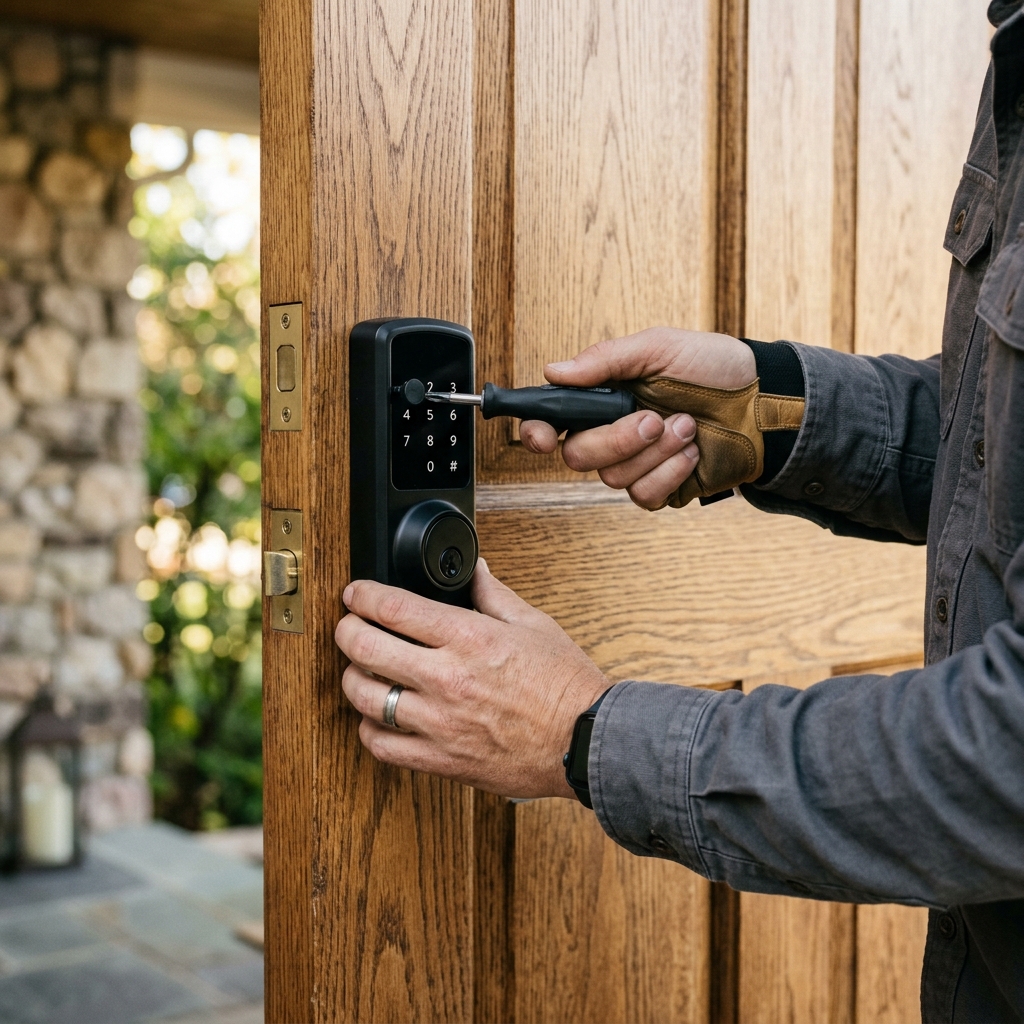
Removing a smart lock, resetting its data and fitting a keyed lock that matches the house.
Related services
Separate a locked-door access problem from battery, alignment and account issues before resetting or replacing the device.
Learn moreWork through mechanical fit, power and supported controls when an electronic lock becomes unreliable.
Learn moreSet up a key safe that carers can use daily without the code becoming a permanent way into the home.
Learn moreCover, plug or reinforce the holes old hardware leaves behind, so the door stays strong at the lock.
Learn moreReduce the keys you carry where cylinders and access requirements allow a suitable keyed-alike arrangement.
Learn moreWhat Ontario tenancy rules say about changing locks, and how tenants and landlords usually handle it.
Learn more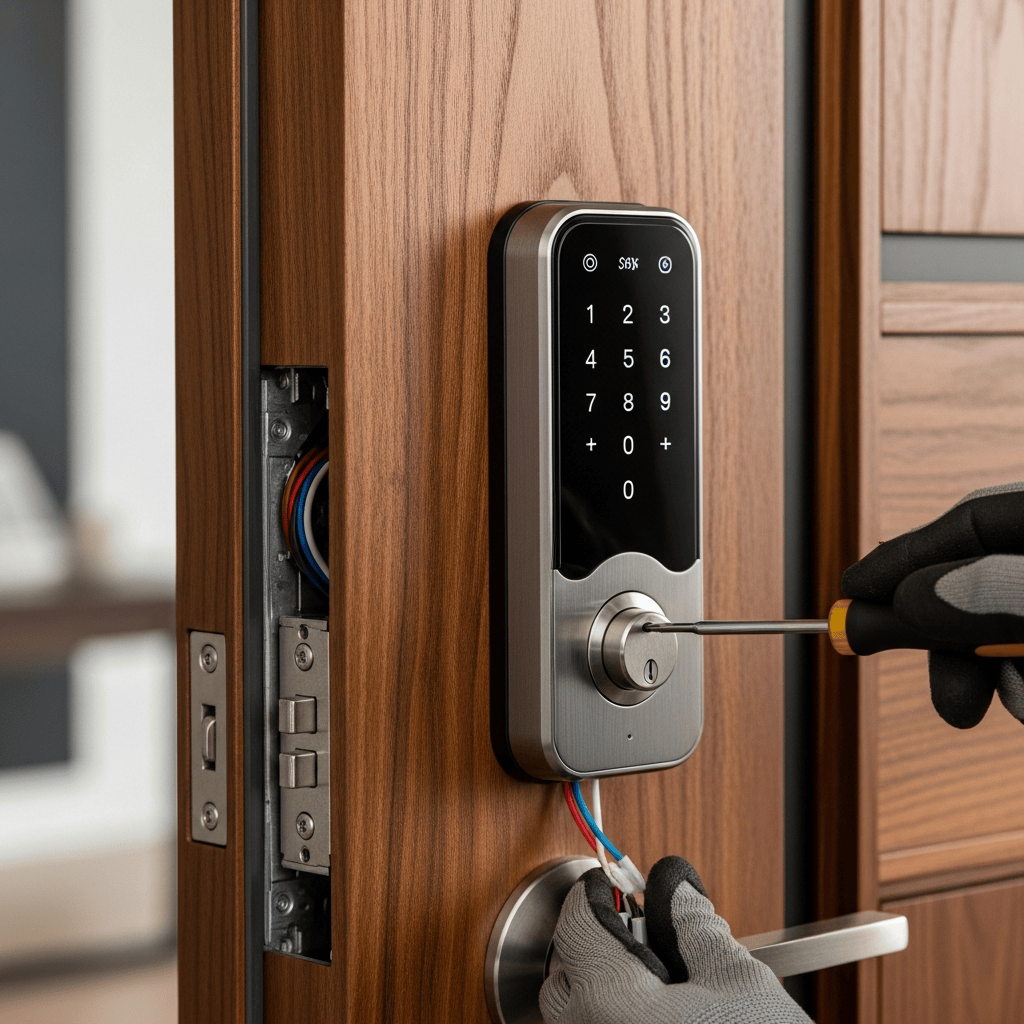
Smart locks promise convenience: no keys, codes for visitors, unlocking from a phone, a record of who came and went. For many households they deliver. For others, the reality is batteries that die at bad moments, an app that changes after an update, a lock that disconnects from the Wi-Fi, a motor that strains in winter, or a family member who never got used to it.
Going back to a traditional keyed lock is a perfectly reasonable choice, and it is usually straightforward. The main questions are what to fit in its place, whether the door preparation suits it, and how to deal with the smart lock's data and accounts.
Battery anxiety. Low-battery warnings ignored for a week end in a door that will not open electronically.
Connectivity. Wi-Fi, Bluetooth or hub problems leave the lock unreachable from the app.
App and account changes. Manufacturers update apps, change features, add subscriptions or discontinue products. A lock that depended on a service can lose functions it used to have.
Cold weather. Motors and batteries struggle in the cold, and some locks become slow or unreliable in a GTA winter.
Household fit. An older parent, a child or a tenant who finds the lock confusing, or prefers a key.
Reliability. A lock that has failed once, especially with someone locked out, loses the household's trust. When that happens, the steps are the ones for a smart lock that stopped working.
Remove it from the app and account. Delete the lock from the manufacturer's app, remove any shared users and guest codes, and disconnect it from any hub or voice assistant.
Reset it to factory settings. This erases codes, fingerprints and stored logs, so nothing remains if the lock is given away or recycled.
Keep the backup key. Most smart locks have a key cylinder; keep its keys until the lock is gone.
Decide whether to repair instead. Some problems, such as a strained motor caused by a misaligned strike, are cured by adjusting the door. If the lock is otherwise sound and the household is happy with it, smart lock repair and troubleshooting may be worth trying first.
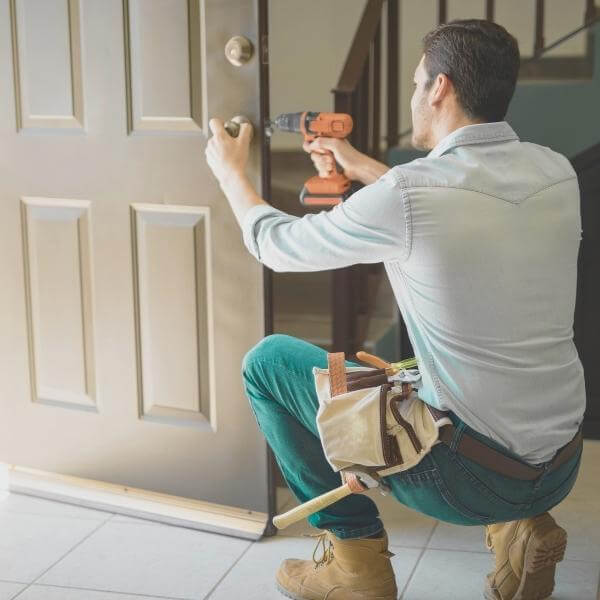
A standard deadbolt. The simplest choice. A sturdy deadbolt, keyed to the rest of the house, fitted with a reinforced strike. Many smart locks replaced a standard deadbolt in the first place, so a standard deadbolt usually fits the existing holes.
A handleset or lever set with a deadbolt. If the smart lock replaced the whole entrance set, choose a mechanical set in a finish that suits the door.
A mechanical keypad lock. For households that liked the keyless entry but not the batteries, mechanical push-button locks give code entry without electronics. They need a particular door preparation and have their own limits on code changes, but they never need batteries.
A keyed deadbolt plus a key safe. For carers or family members who need access, a key safe beside the door can replace the app-based guest codes, with the same considerations as a key safe for home care visits.
Most smart deadbolts fit the standard residential door preparation, so a standard deadbolt goes back into the same bore with little or no alteration. Check:
Extra holes left by the smart lock's mounting plate can usually be covered by the new lock's trim, or filled, as with any other old lock holes. Where the bore was enlarged, a deadbolt with a larger rose or a reinforcing plate covers it neatly.
Photos
Photographs from GTA Lockman Mobile Locksmith Services work across Toronto and the GTA. Send a picture of your own door and we can tell you what the visit would involve.
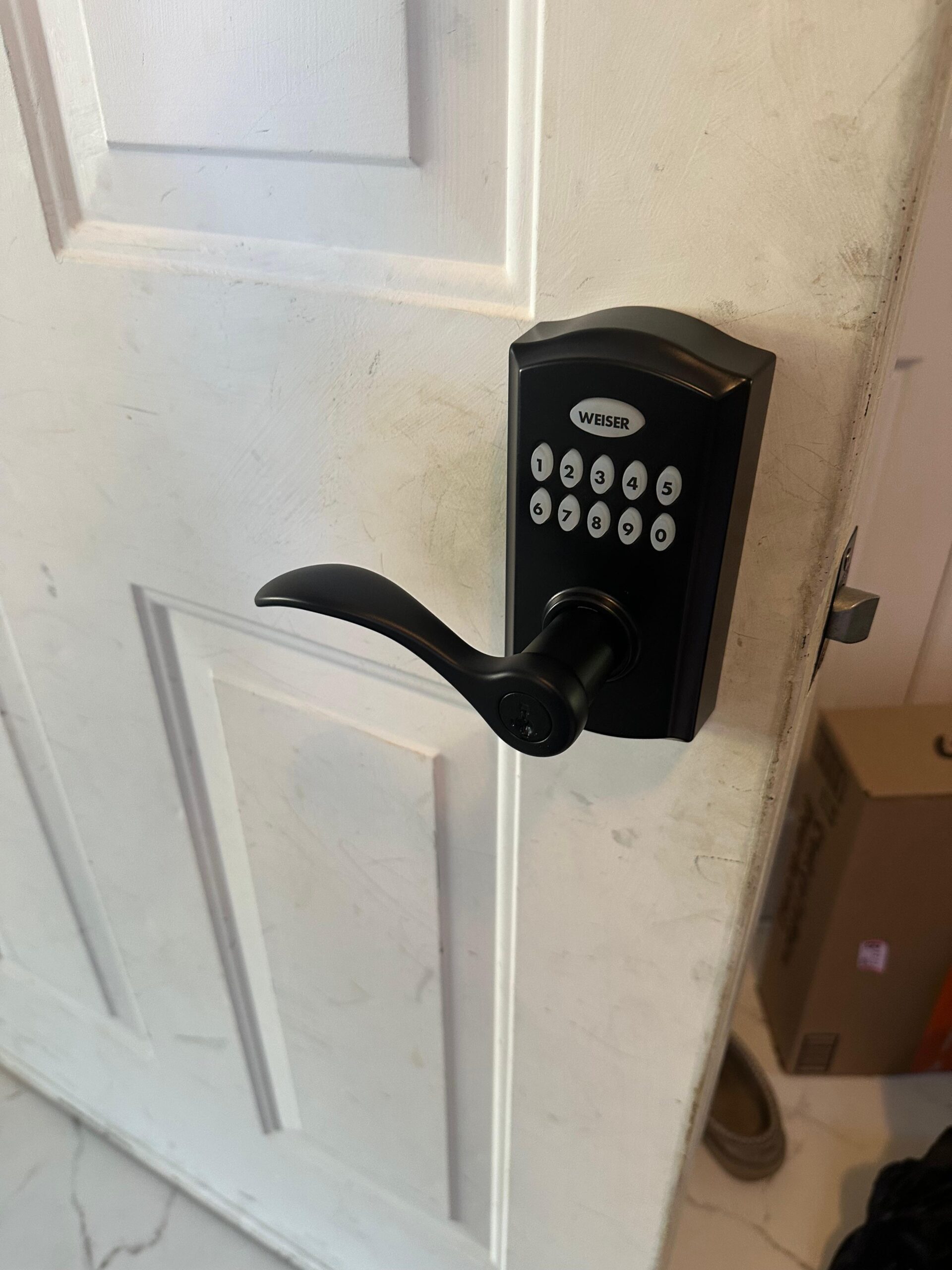
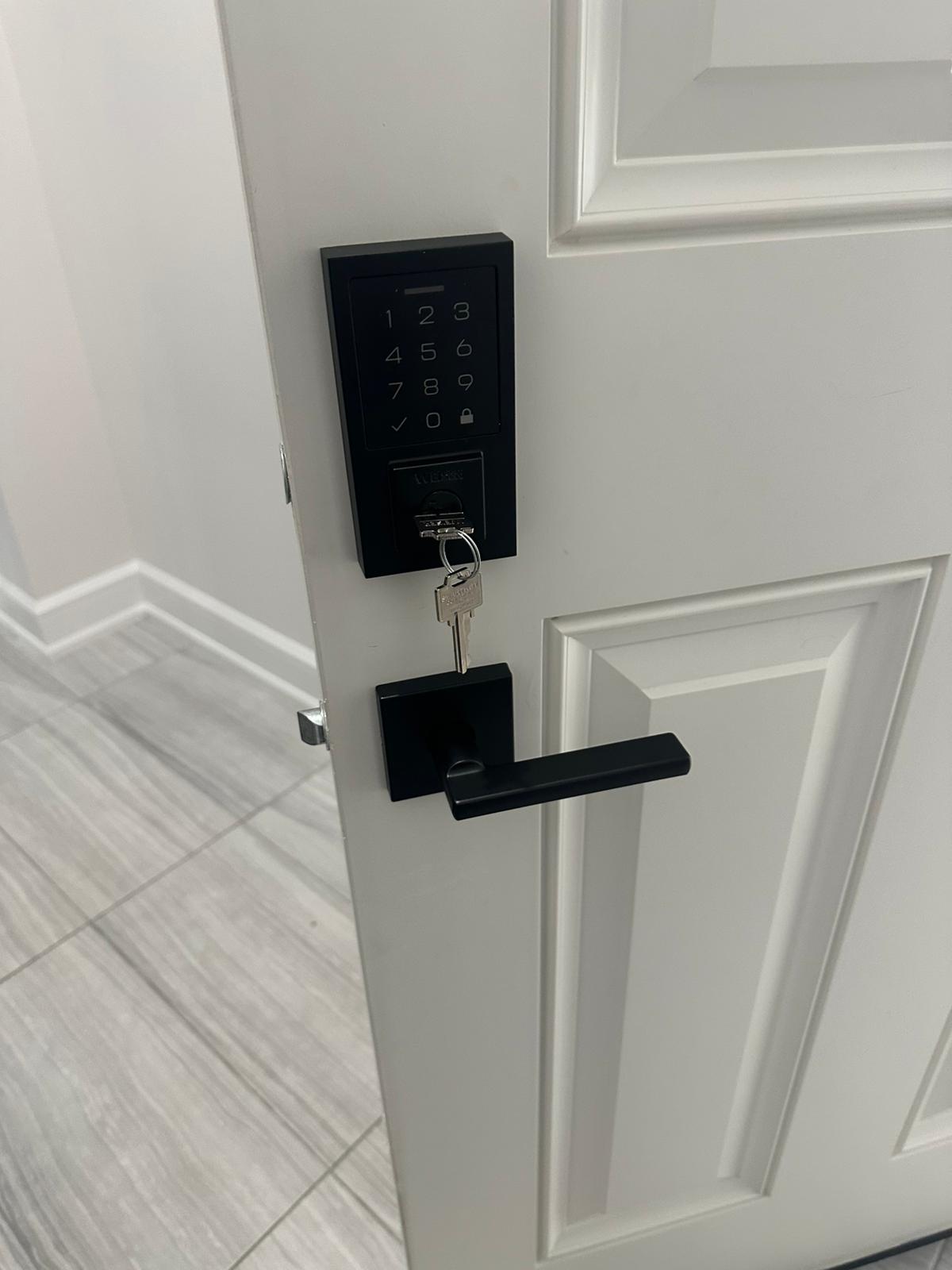
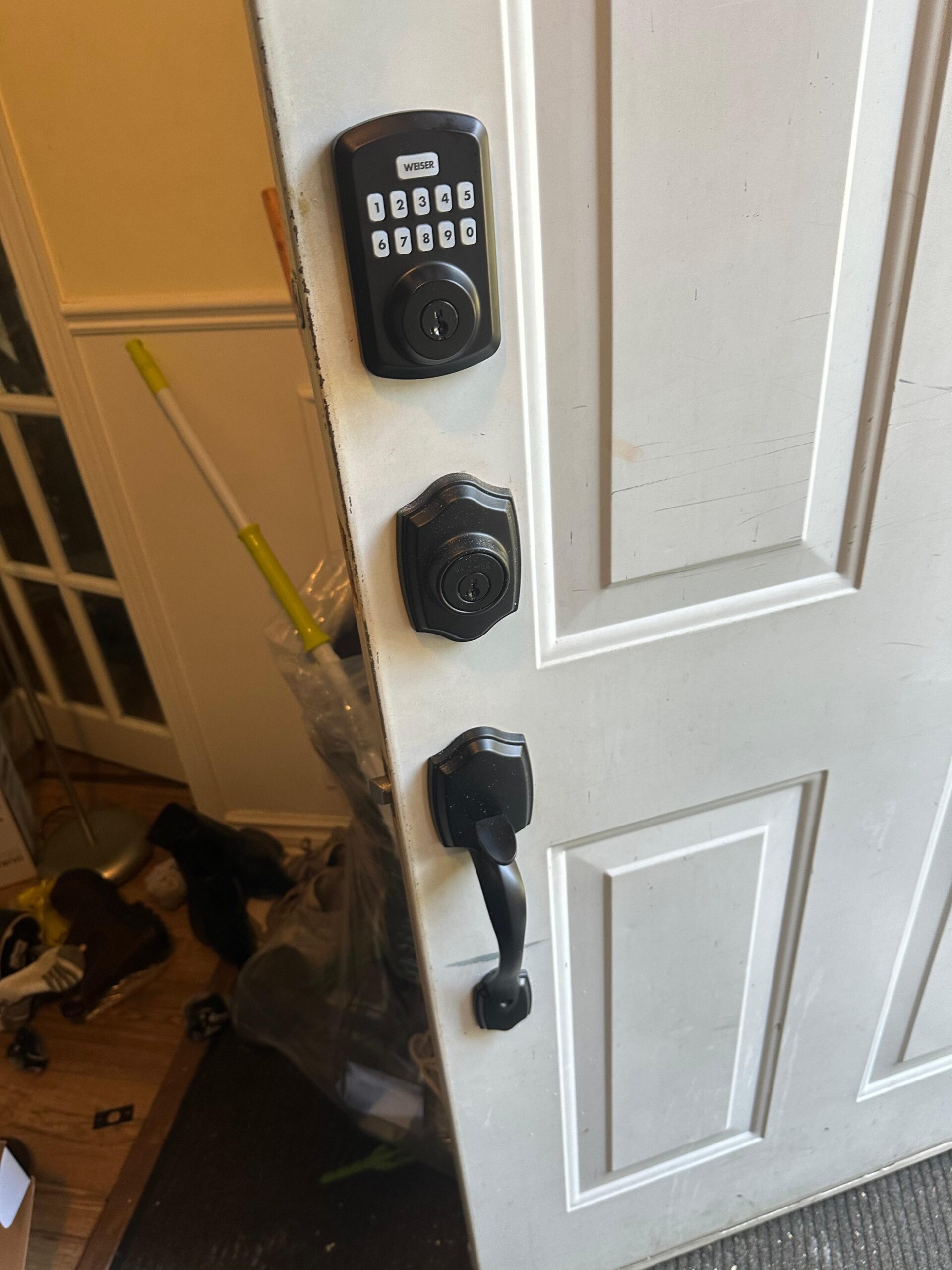
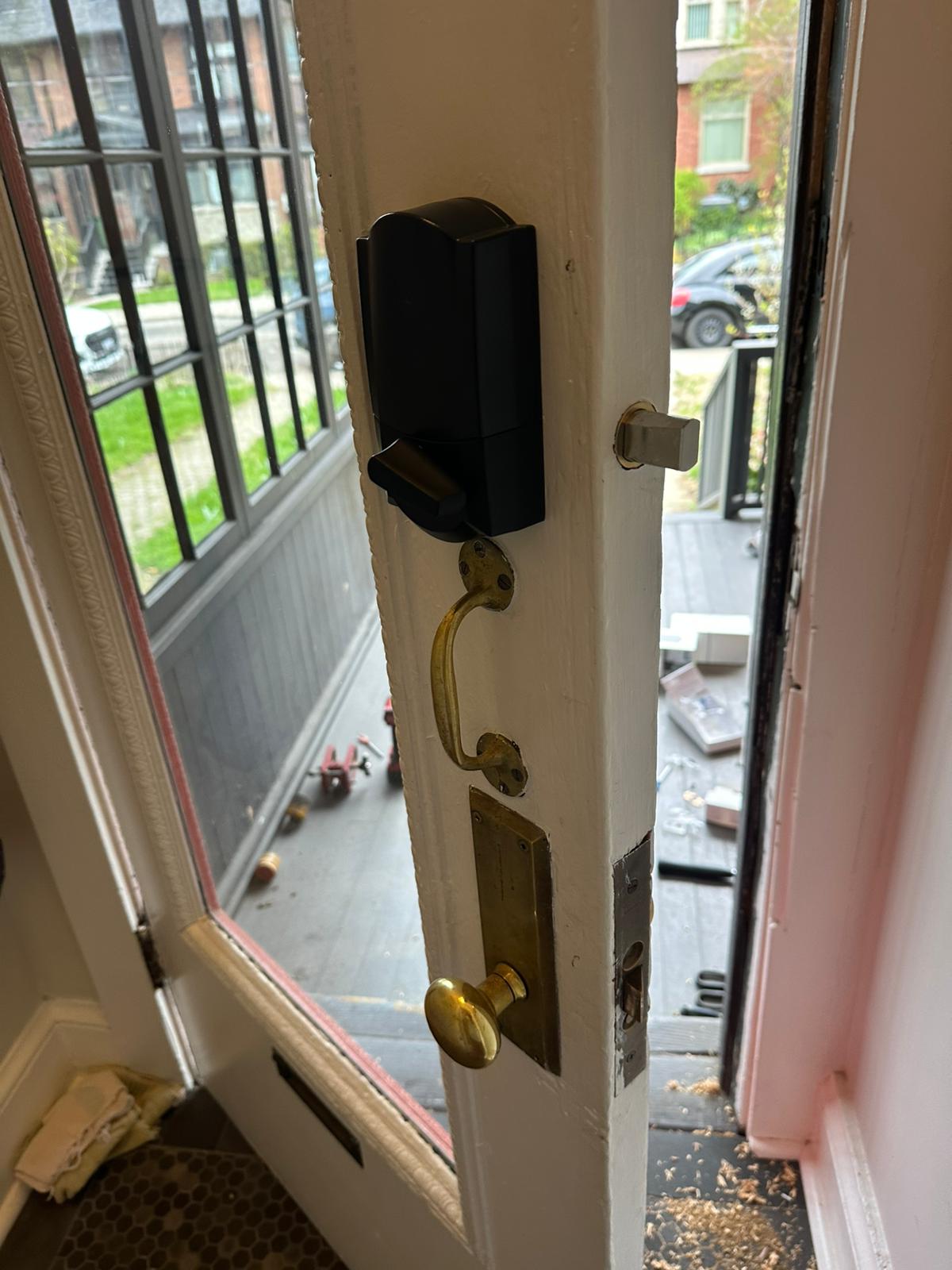
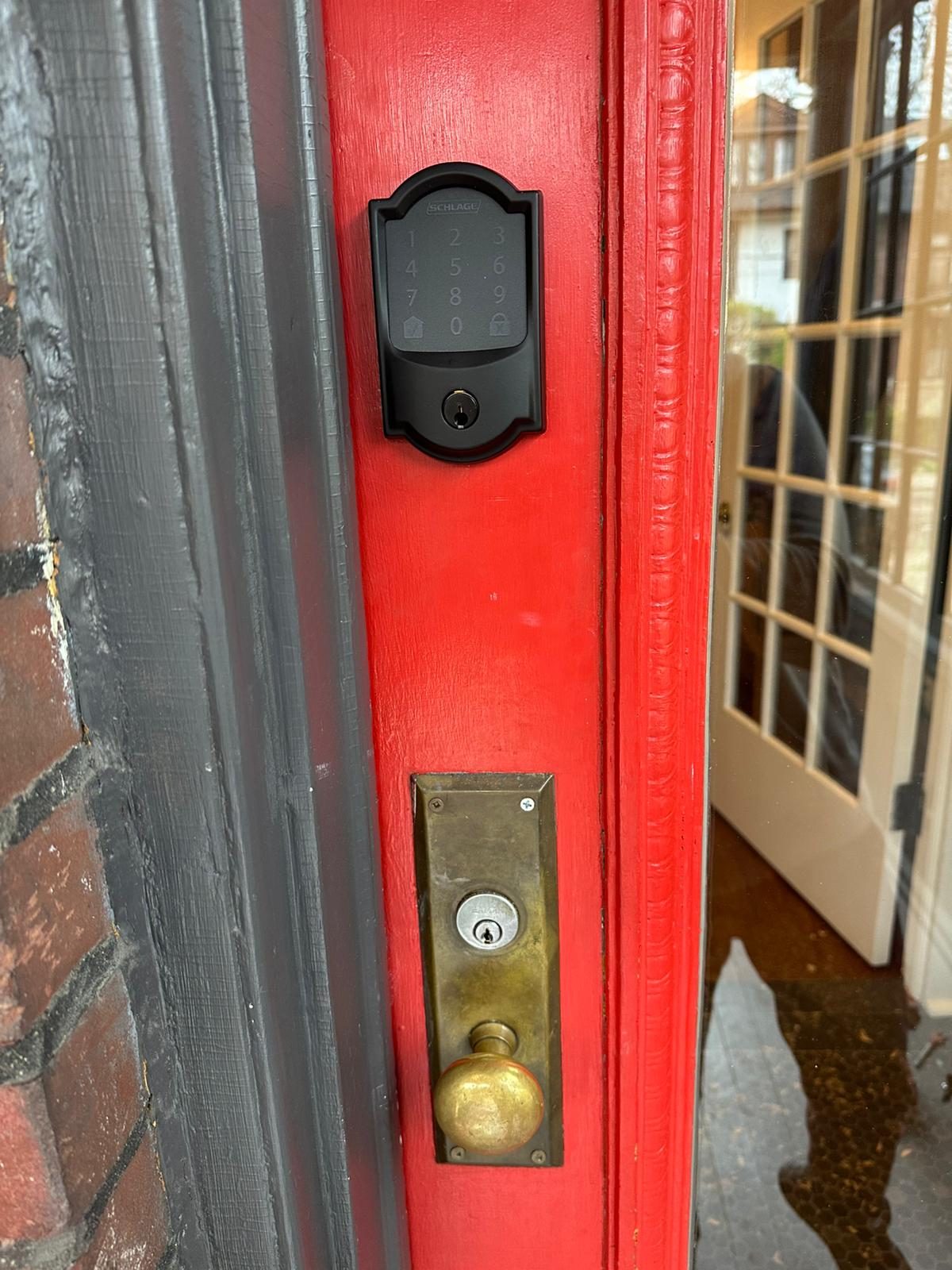
The replacement can be keyed to the house key, so the front door goes back to the same key as the other exterior doors. Many people find that the biggest daily improvement: one key, no batteries, no app. Getting every exterior lock onto that key is part of one key for every door.
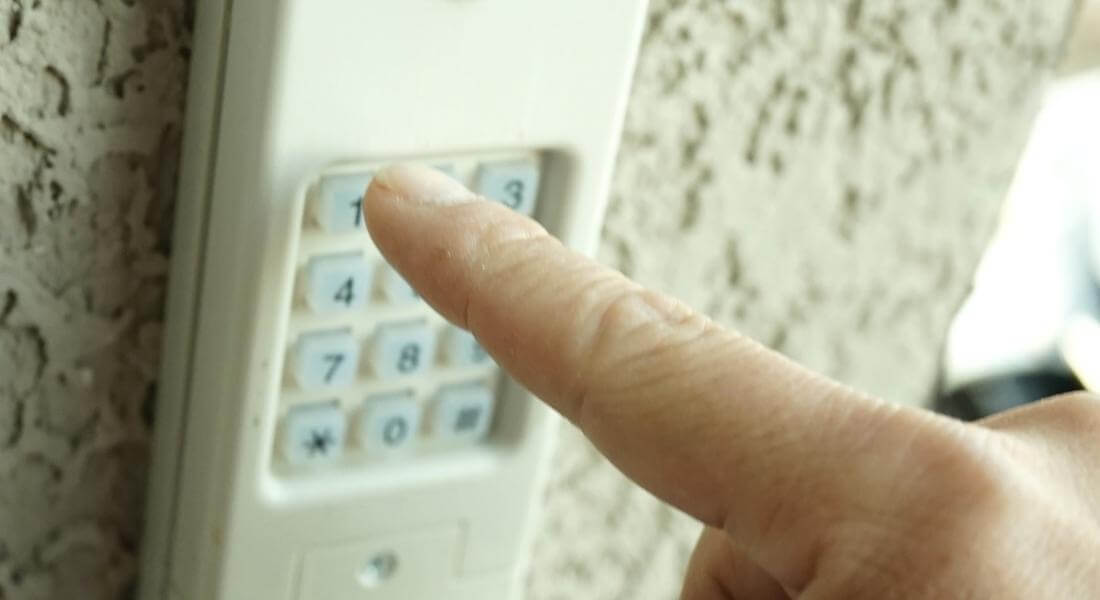
Going back to a mechanical lock does not have to mean losing everything. A video doorbell still shows who is at the door. A smart deadbolt on a side or garage door, where convenience matters more and the consequences of a failure are smaller, can sit alongside a mechanical front door lock. Some households keep a keypad on the garage side door and a key on the front door.
Smart locks contain batteries and electronics. Remove the batteries and take the lock to an electronics recycling drop-off. Reset it first so none of your codes or data remain.
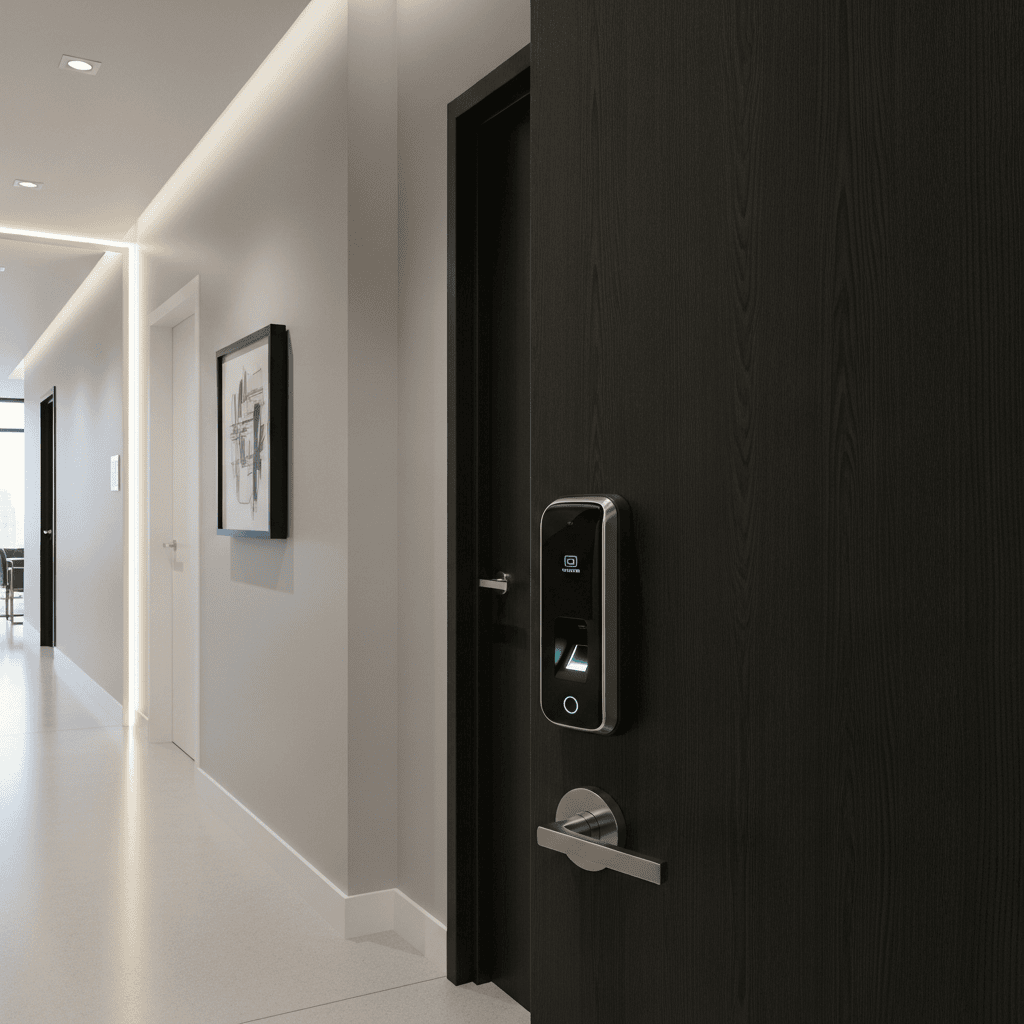
Landlords and short-term rental hosts often install smart locks to manage guests and tenants without handing out keys. Some later switch back when the system becomes more trouble than it saves. Before switching, decide how access will be managed instead: a keyed lock with a key safe, a mechanical keypad, or keys handed over in person. In long-term rentals in Ontario, changing the locking system on a unit needs the agreement of both landlord and tenant, as with any tenant lock change in Ontario.
Condo suite doors are often fire-rated, and the corporation may have rules about suite door hardware. A smart lock that was approved may need to be replaced with a compliant mechanical lock, and some buildings require the suite lock to be on the building's master system. Check with management before changing the hardware, and keep the invoice.
When the smart lock comes off, it is a good moment to look at the rest of the entrance hardware. A new deadbolt in the same finish as the handleset, or a matched set replacing both, makes the door look finished again. Bringing the finish and the key into line with the rest of the house follows the approach used for matching door hardware across the house.
Answering these before removing the smart lock avoids replacing it twice.
Many families install smart locks for older parents, hoping to avoid lost keys, and later find the parent struggles with the keypad, the app or the low-battery warnings. A key lock with a large, easy-to-grip key, a lever handle and a key safe for family or carers often suits better. The wider options for easier door hardware are part of door hardware for seniors.
The replacement deadbolt should throw its full bolt into a strike fixed with long screws into the framing. Smart lock installations sometimes left a strike that was moved or enlarged to suit a motorised bolt. Checking and reinforcing the strike at the same time as the lock change means the door is as strong as it should be.
Some households keep a smart lock or keypad on the garage side door, where a failure is an inconvenience rather than a lockout from the house, and use a mechanical deadbolt on the front door. That keeps keyless access for gardeners, children coming home and deliveries to the garage, while the main entrance relies on a key that never needs charging.
If your insurer asked about the locks when the smart lock was installed, let them know about the change if your policy requires it, and keep the invoice for the new deadbolt. A plain record of what was fitted, and when, answers most questions later.
Before the lock comes off, think about who has had codes over the years: cleaners, dog walkers, contractors, guests. Removing the smart lock removes those codes, which is one of the benefits of the change. If the new mechanical lock is keyed to an old house key that was also widely shared, consider rekeying at the same time so nobody from the past still has a way in.
Swapping a smart deadbolt for a mechanical one on a standard door is usually a short job: removing the smart lock, fitting the new deadbolt, adjusting the strike and keying the cylinder. Extra time is needed only where the door was altered for the smart lock and the old preparation needs covering or filling.
Tell us which door, what smart lock is fitted, and what you want to replace it with. Photographs of both sides of the door and the edge help us confirm the fit.
We can remove the smart lock, fit a mechanical deadbolt, handleset or push-button lock, cover or fill extra holes, adjust the strike and key the new lock to your house key. This is carried out as a lock change, and other household work is part of our residential locksmith services.
Keep reading
Usually yes. Most smart deadbolts fit the standard door preparation, so a standard deadbolt goes back into the same bore with little or no alteration.
Usually yes. Most smart deadbolts fit the standard door preparation, so a standard deadbolt goes back into the same bore with little or no alteration.
Delete it from the app, remove shared users and guest codes, disconnect it from any hub, and reset it to factory settings so no codes or data remain.
Sometimes. Smart lock mounting plates can leave screw holes, and the main bore may have been enlarged. New trim usually covers them, or they can be filled.
Yes. The replacement deadbolt can be keyed to your existing house key, so every exterior door uses one key again.
Mechanical push-button locks provide code entry with no electronics. They need a particular door preparation and have limits on how codes are changed.
If the lock is otherwise sound, a misaligned strike or worn batteries are often the cause. Adjusting the door may fix it. If the household no longer wants it, replacing it is reasonable.
Reset it, remove the batteries and take it to an electronics recycling drop-off.
Yes. Many households keep a video doorbell, or a smart lock on a side or garage door, while going back to a key on the front door.
GTA Lockman Mobile Locksmith Services is a mobile locksmith working on homes, businesses and vehicles across Toronto and the GTA, in the trade since 2010. Every review is written by a customer on Google, where you can read them in full.
Areas served: Toronto, North York, Scarborough, Etobicoke, Vaughan, Richmond Hill, Markham, Stouffville, Newmarket, Mississauga, Brampton, Oakville, Milton, Halton Hills, Pickering, Ajax, Whitby, Oshawa, Uxbridge.
Describe the door, hardware and service address. Contact GTA Lockman Mobile Locksmith Services to confirm the scope and scheduling for your location.