
Smart Lock Installation Toronto
A smart lock fitted to your door, with setup and a practical walkthrough for everyday keyless entry.
Start with the door, then choose the lock
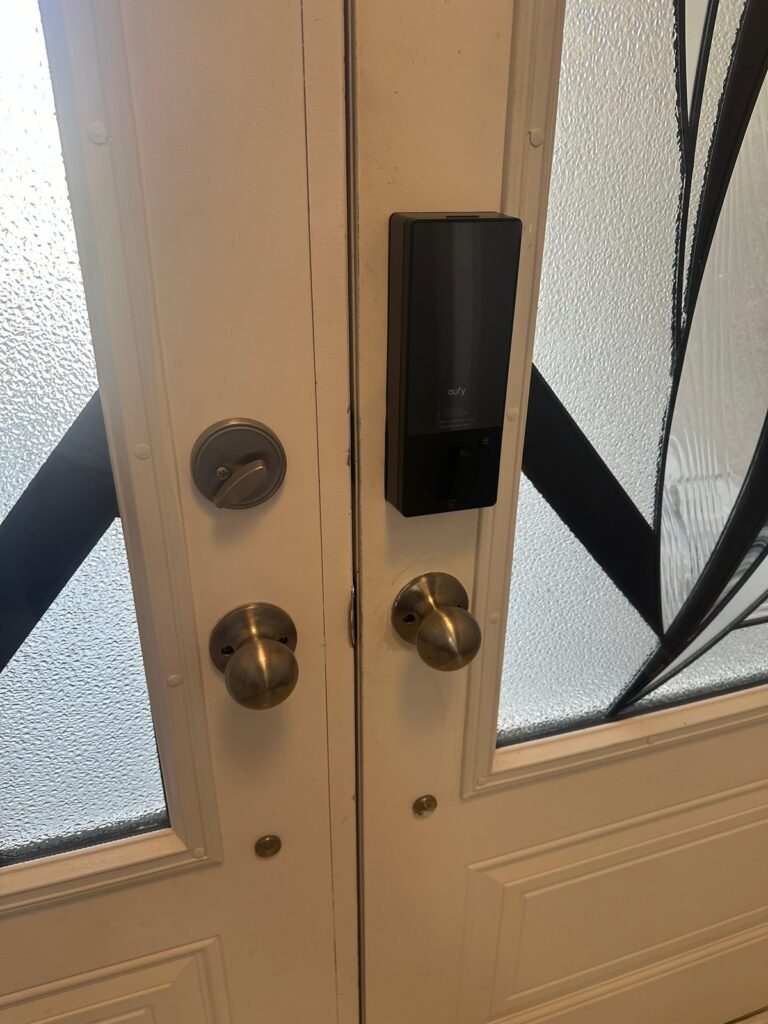
GTA Lockman Mobile Locksmith Services installs smart door locks in Toronto and the GTA. If you already bought a lock, or want help choosing one, we start the same way, by checking the door, its existing hardware and how you want to manage access.
A useful upgrade should make everyday entry easier without leaving you wrestling with a tight deadbolt. The lock needs room to operate, a suitable mounting arrangement and a clear path into the strike. App features cannot correct a door that needs lifting or pushing to close.
We assess the fit, discuss the installation work and test the finished setup with you. This page focuses on installing or replacing smart locks. If your existing device has developed a fault, see smart-lock repair and troubleshooting. For a broader home hardware project, explore our residential locksmith services.
Install your lock or plan a suitable upgrade
Already have a smart lock?
Send the brand, complete model number and clear door photos before the appointment. Different versions of the same product can have different fitting requirements, connection options and included parts.
Keep the mounting plates, screws, adapters and instructions together. If you are replacing a lock, tell us whether the old unit still operates and whether you have its keys. We check the proposed lock against the door before making changes.
Need help selecting one?
Describe who uses the entrance and which features matter: a keypad, individual access codes, app control or compatibility with your existing smart-home equipment. We can discuss suitable supply-and-install options after reviewing the door.
Availability and suitability depend on the exact model. A recognizable brand name does not mean every model fits every door. Confirm the hardware and connection requirements before ordering. Our keypad lock service is also relevant when your main goal is entry by code.
Compatibility checks before installation
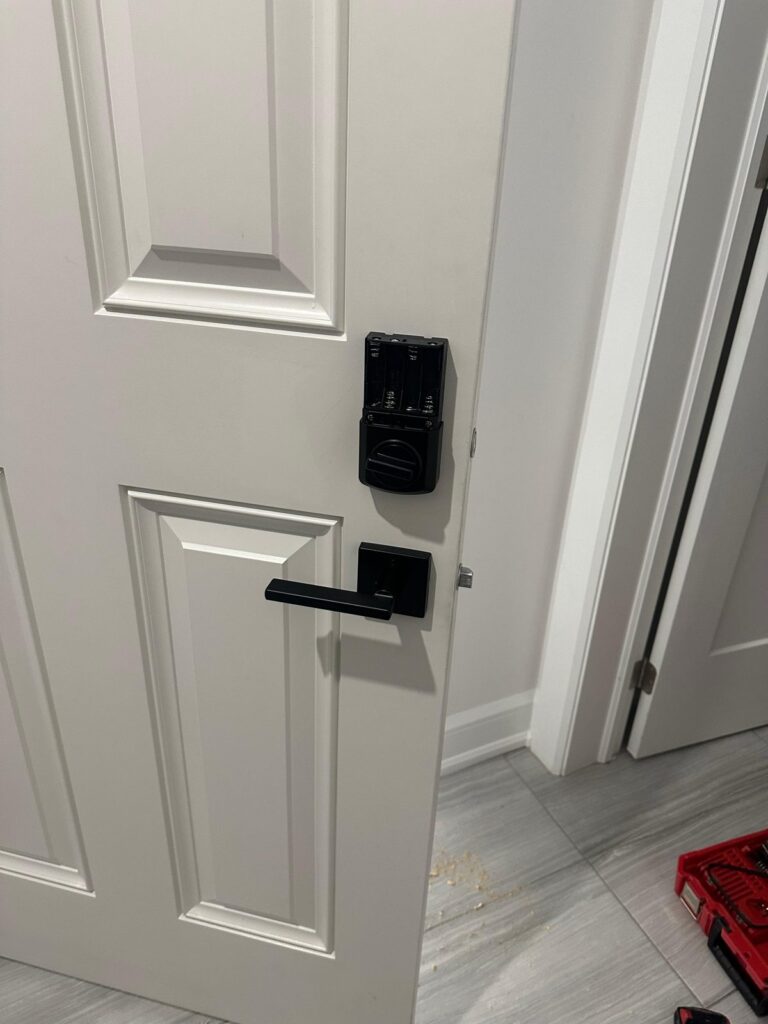
We look at the door as a complete assembly. A smart deadbolt must fit both the prepared opening and the space around it, including trim, handles and any adjacent glass.
- Door preparation: thickness, existing holes, backset and edge preparation.
- Hardware layout: separate deadbolt, handleset, mortise case or multipoint mechanism.
- Clearance: space for the keypad, interior motor housing and battery access.
- Alignment: whether the door closes naturally and the bolt moves freely.
- Exposure: whether the selected model suits the entrance conditions specified by its manufacturer.
If the job also requires mechanical hardware, we can discuss deadbolt and door lock installation. A multipoint lock needs a system-specific assessment rather than a standard deadbolt assumption.
Smart locks for houses and condos
House entrances
For a house with a separate deadbolt, a compatible replacement may use the existing door preparation. That still needs checking: old screw holes, surface marks, uneven trim or a binding bolt can affect the result. Tell us about any existing difficulty closing or locking the door.
Some retrofit products replace only part of the mechanism, while others replace the complete deadbolt. The right choice depends on the hardware already installed and the access features you want. Do not assume that a retrofit will retain every feature of your current lock.
Condo and managed-property doors
Before purchasing hardware, ask the property manager for the applicable requirements. Door appearance, approved hardware, access arrangements and fire-door restrictions may affect what can be installed. A product advertised for condos is not automatically approved for your building.
Share the written requirements along with photographs of the inside, outside and door edge. Mortise hardware needs particular attention because it is not interchangeable with a separate cylindrical deadbolt. Any required permission should be in place before work begins.
What the installation involves
Review the entrance and scope
We confirm the lock model, door condition and requested features. The proposed work and any additional preparation are discussed before installation. This is also the time to explain an existing alignment problem or a building restriction.
Fit the hardware
The existing hardware is removed as needed and the new lock is fitted according to its instructions. Mounting, cable routing and clearances matter. The mechanical bolt should travel freely without relying on the motor to pull the door into position.
Set up supported features
Setup follows the selected model: calibration, access codes and supported app connections. Keep account ownership with the homeowner or authorized manager. Enter your own credentials and choose access permissions appropriate for each user.
Test and hand over
We check operation with the door open and closed, then walk through the supported entry methods. The handover covers routine use, battery access and the model's backup-entry arrangements. Keep the instructions and any physical keys somewhere accessible to you.
Choose features you will actually use
A keypad can help household members enter without sharing one physical key. Connected features can add other options, but they depend on the exact lock, app and supporting equipment. Compare specific model specifications rather than assuming every smart lock includes remote control.
If a smart-home connection matters, identify your existing platform before selecting the lock. Ask whether the intended feature needs a bridge, hub, subscription or a particular network arrangement. These details affect both the purchase and the installation setup.
Keep access management straightforward
Decide who needs permanent access and who needs a temporary arrangement. Where individual codes are supported, they make it easier to change one person's access without changing everyone else's. Remove unused permissions when household or property arrangements change.
Keep the owner account under your control. Avoid sending passwords or door codes through a quote form. For a shared property, agree who manages account recovery and battery maintenance before handover. If you prefer conventional hardware instead, we can discuss a lock change.
Replacing an existing smart lock
A new device is not always the first answer to a sticking bolt or an intermittent fault. Door alignment, mounting tension, battery condition and the selected settings all deserve a check. Explain when the fault occurs and what you have already tried.
When replacement is appropriate, compare the new unit's footprint and preparation with the old one. A different shape may leave visible marks or require additional work. Discuss finish, handle clearance and any physical-key preferences before choosing the replacement.
We can separate hardware problems from installation requirements and explain the next practical step. A door that is already locked and cannot be opened has a different service need; see help with a locked smart-lock door.
What affects the installation estimate?
The scope depends on whether the lock is customer-supplied, how closely it matches the existing preparation and whether the entrance needs adjustments. A compatible replacement and a door requiring new preparation are different jobs.
Send the model number, your location and photos of the door's two faces and edge. Mention any sticking, loose handles or previous modifications. These details help us discuss the work and identify information still needed before a visit.
Aftercare for everyday use
Follow the manufacturer's battery type and replacement guidance. Check low-battery notifications and keep the supported backup-entry method available. Repeatedly forcing a reluctant lock is a reason to investigate the fit, not simply repeat the command.
Review access permissions when people move out or no longer need entry. Keep the lock's app and supported firmware current using the manufacturer's instructions. If operation changes with the door closed, arrange an alignment assessment rather than assuming an app reset will solve it.
Smart locks we have installed
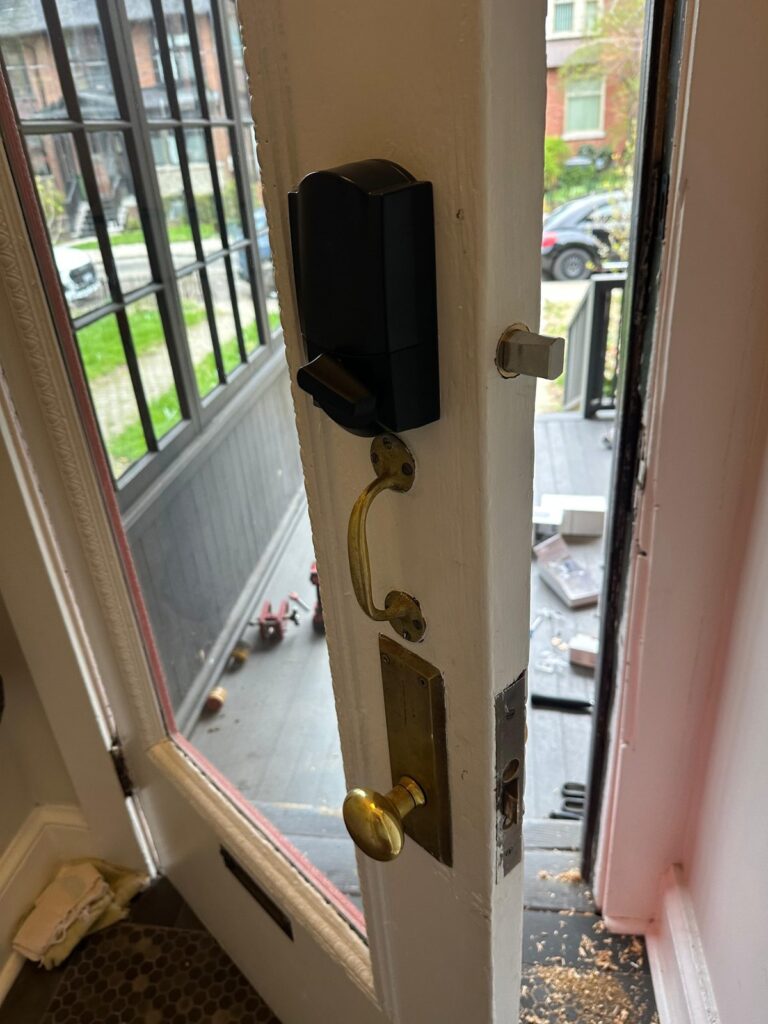
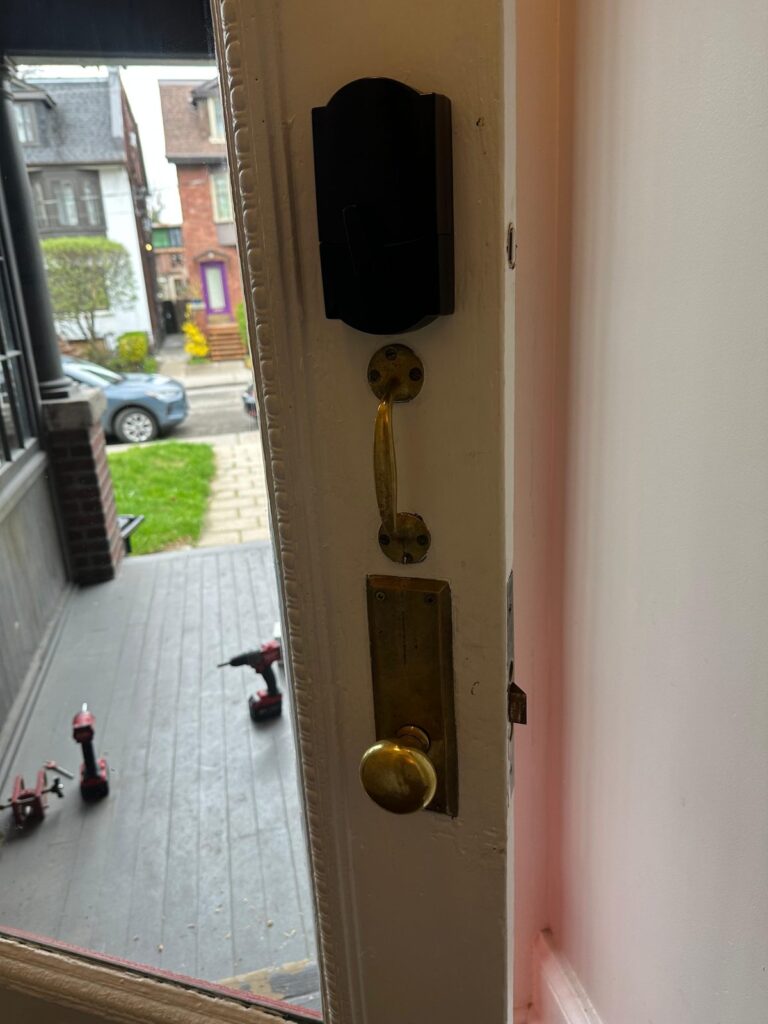
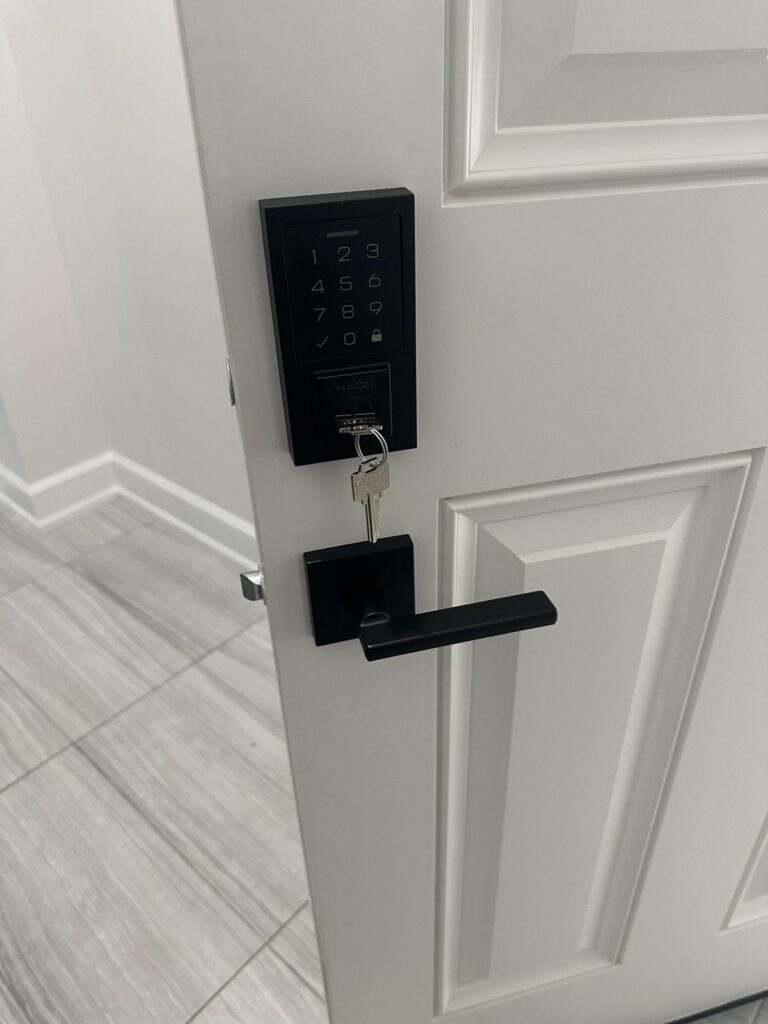
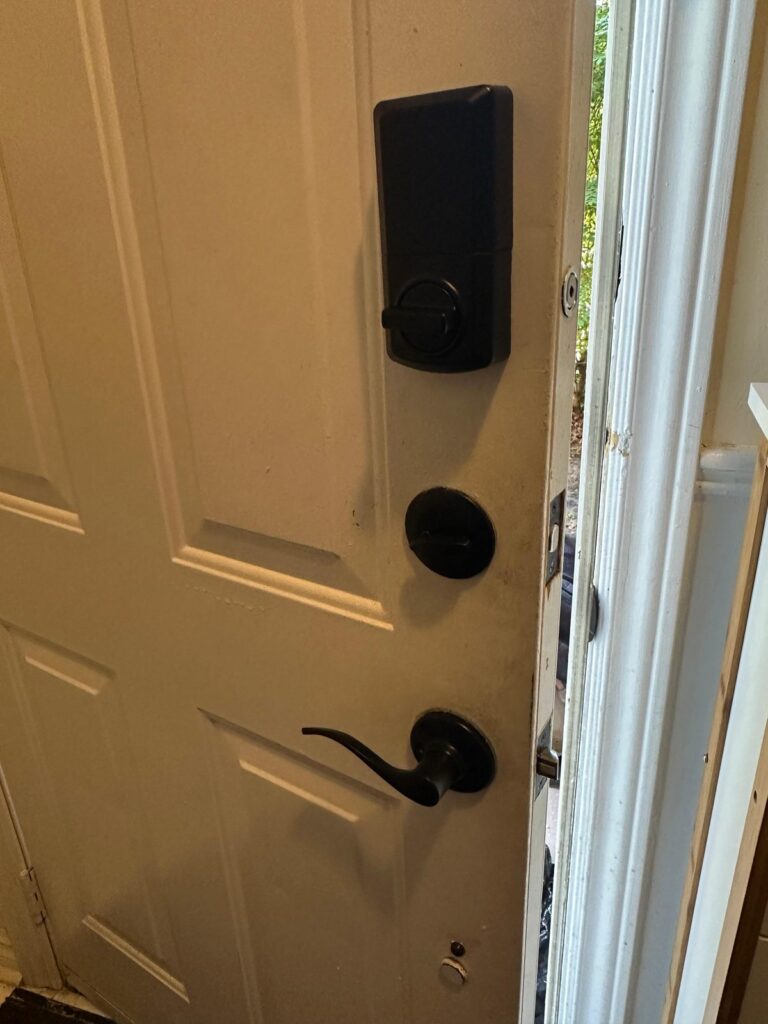
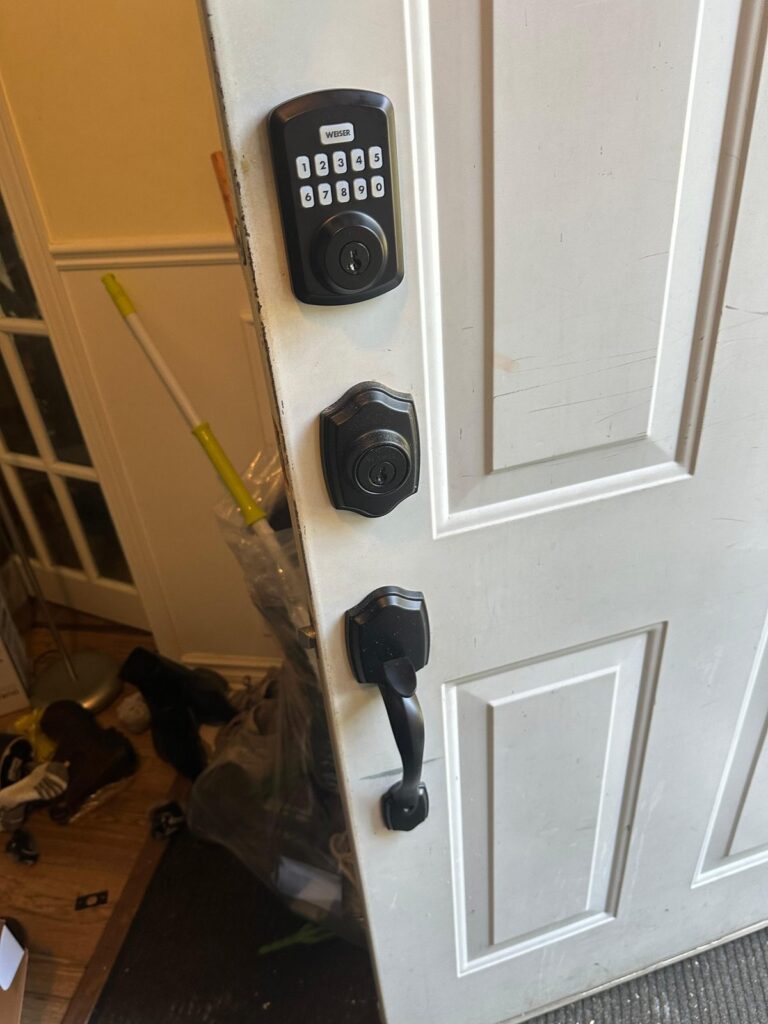
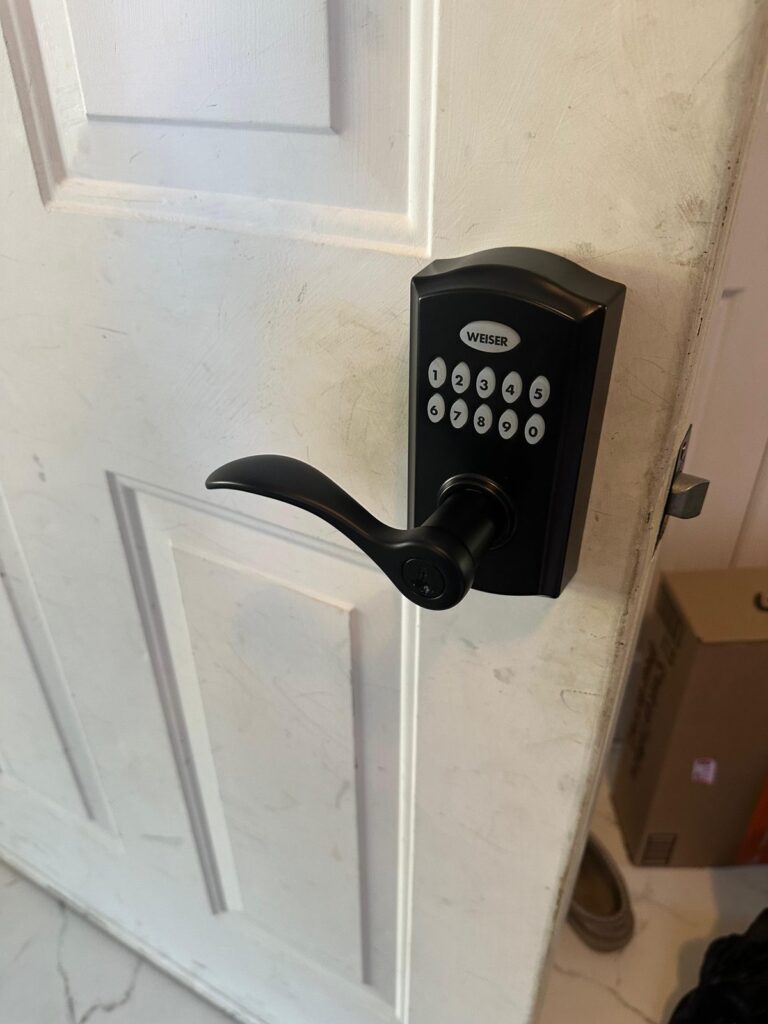
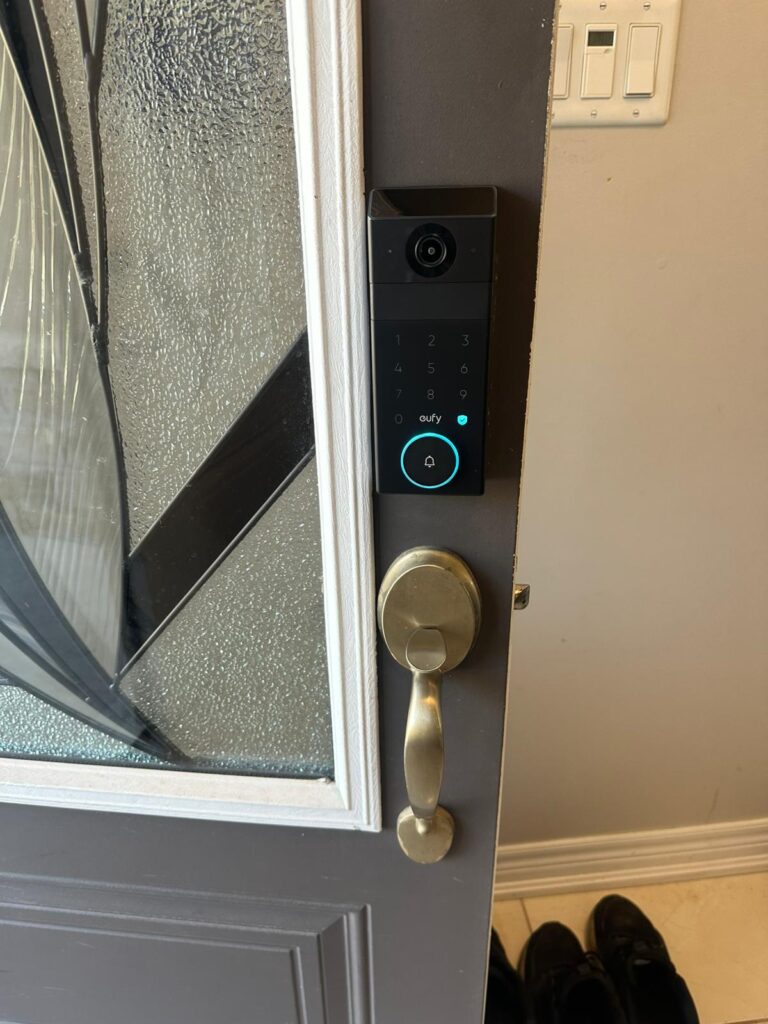
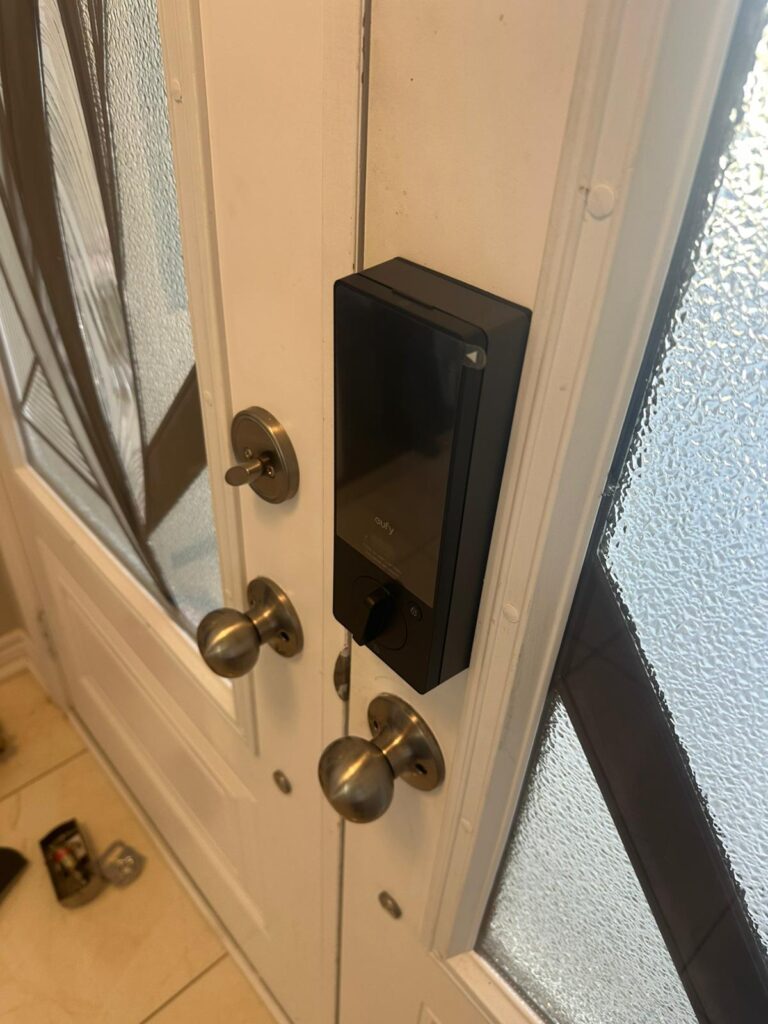
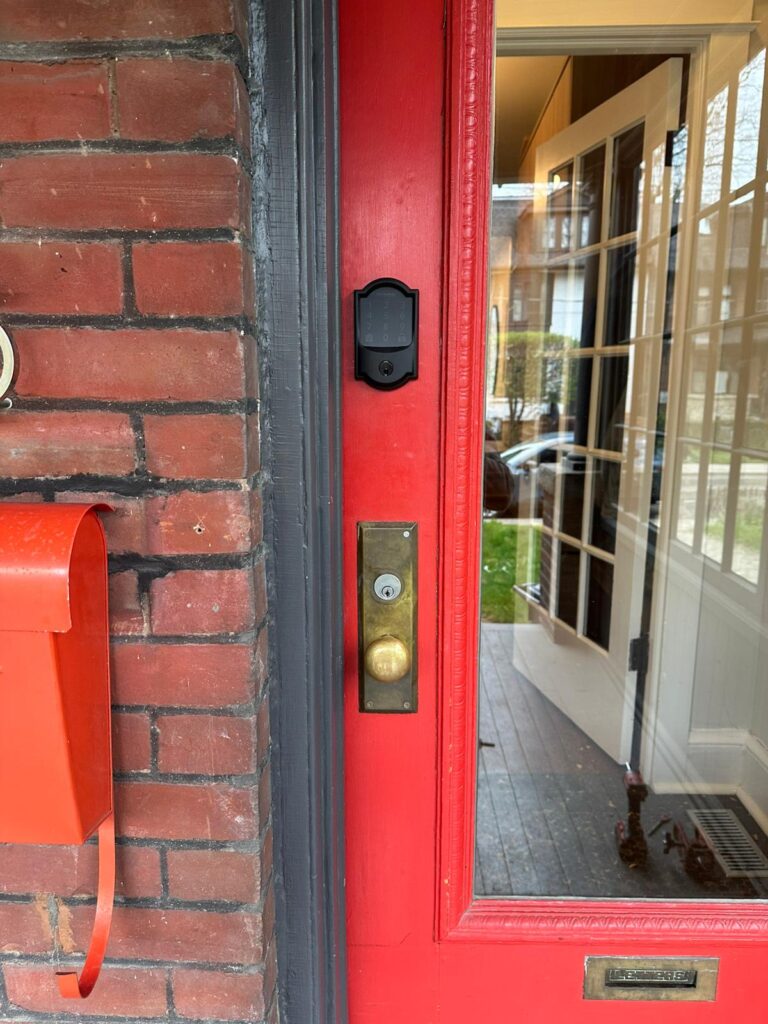
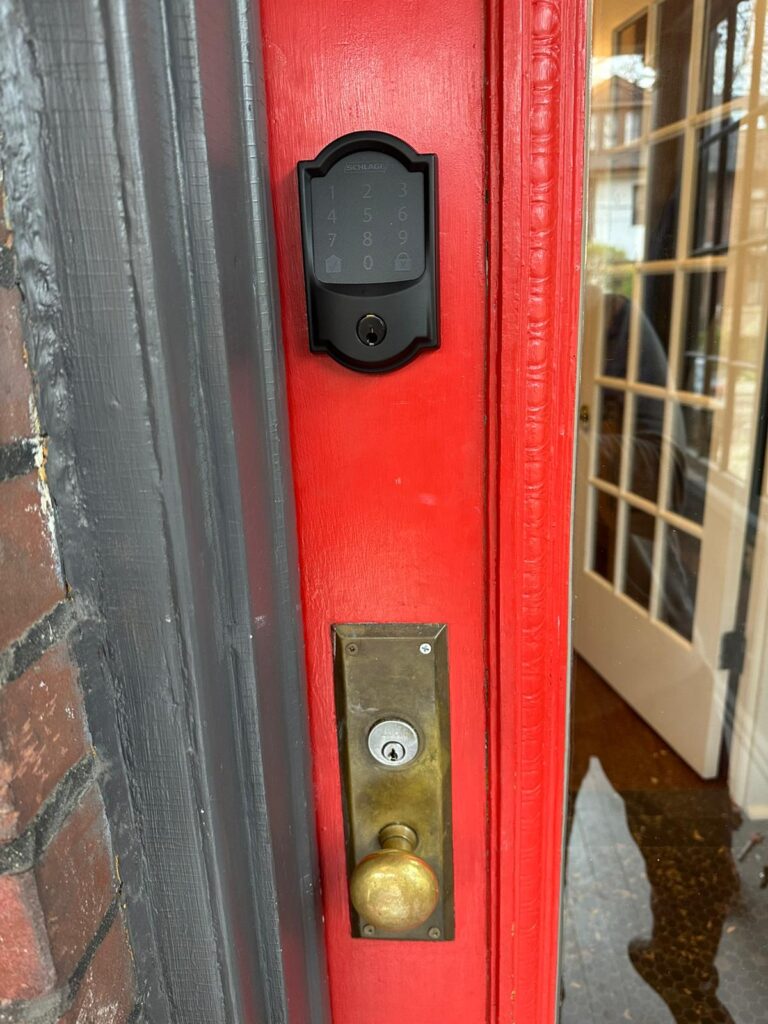
Photos from smart lock and keypad deadbolt installations by GTA Lockman Mobile Locksmith Services. Each door was checked for fit and alignment before the lock went on.
Smart lock installation questions
Can you install a smart lock I already bought?
Yes. Send the exact model number and photos of both sides and the edge of your door before booking. Installation depends on the lock fitting your door preparation, thickness and existing hardware. Keep the supplied parts, instructions and backup keys together for the visit.
Will a smart lock fit my existing front door?
It depends on the model and the door. A separate deadbolt, mortise lock and multipoint mechanism use different arrangements. We check measurements, clearance and alignment before recommending a replacement or retrofit. A keypad alone does not establish compatibility.
Can I install a smart lock on a condo door?
Confirm permission and hardware requirements with your property manager first. The proposed lock must suit the existing door and applicable building requirements. Send the building instructions and lock details so compatibility can be assessed before any modification.
Does every smart lock need Wi-Fi?
No. Connection requirements depend on the model and the features you want. Some locks provide local keypad access without a Wi-Fi connection, while remote app control may need a network connection or additional hardware. Check the exact manufacturer specifications before buying.
What happens when the batteries run low?
Follow the model-specific low-battery warning and replacement instructions. Backup access varies: a lock may use a physical key or another manufacturer-defined method. We review the method supported by your model during handover; do not assume every lock works the same way.
Can you help with a smart lock that already sticks?
Yes. Describe whether the problem happens with the door open, closed or only through the app. Alignment and hardware resistance should be checked before assuming the electronics have failed. Existing faults can be assessed through our smart-lock repair and troubleshooting service.
How is the installation price determined?
The estimate depends on the lock model, existing door preparation, any alignment or hardware changes, and the setup required. Let us know whether you are supplying the lock. Photos and the model number help define the work; additional work should be discussed before it proceeds.
What should I prepare for the appointment?
Have the lock and all supplied parts ready, keep your current keys available, and make sure the owner or authorized user can attend. For connected models, have your phone and access to the required app or network. Enter private passwords yourself rather than sending them in a booking message.
Plan your smart-lock installation
Tell us about your door, your chosen lock and the way you want to use it. GTA Lockman Mobile Locksmith Services provides mobile locksmith service across Toronto and the GTA; confirm your location and appointment options when booking.
Contact and service hours
Monday–Thursday: 8:30 AM–9:00 PM
Friday: 8:30 AM–4:00 PM
Sunday: 9:30 AM–9:00 PM
Saturday: Closed
Based in Markham, Ontario. Check our service areas or contact GTA Lockman Mobile Locksmith Services with your door and lock details.