Locksmith services are always 10% off for seniors.
Open Mon–Thu 8:30 AM–9 PM, Fri 8:30 AM–4 PM, Sun 9:30 AM–9 PM
Locksmith services are always 10% off for seniors.
Open Mon–Thu 8:30 AM–9 PM, Fri 8:30 AM–4 PM, Sun 9:30 AM–9 PM
GTA Lockman Mobile Locksmith Services · Toronto & GTA
Low-battery signs, the right batteries, and what to do if a keypad lock dies with you outside.
Related services
Why a full one-inch throw matters, how to check it, and what stops a bolt deadlocking.
Learn moreFree a frozen lock without damaging it, and find out whether ice, alignment or batteries caused the problem.
Learn moreSeparate a locked-door access problem from battery, alignment and account issues before resetting or replacing the device.
Learn moreWork through mechanical fit, power and supported controls when an electronic lock becomes unreliable.
Learn morePlan keyless entry around door compatibility, code management and a practical backup entry method.
Learn moreDeadbolts, strikes, keypads and hinges for the garage door most people forget.
Learn more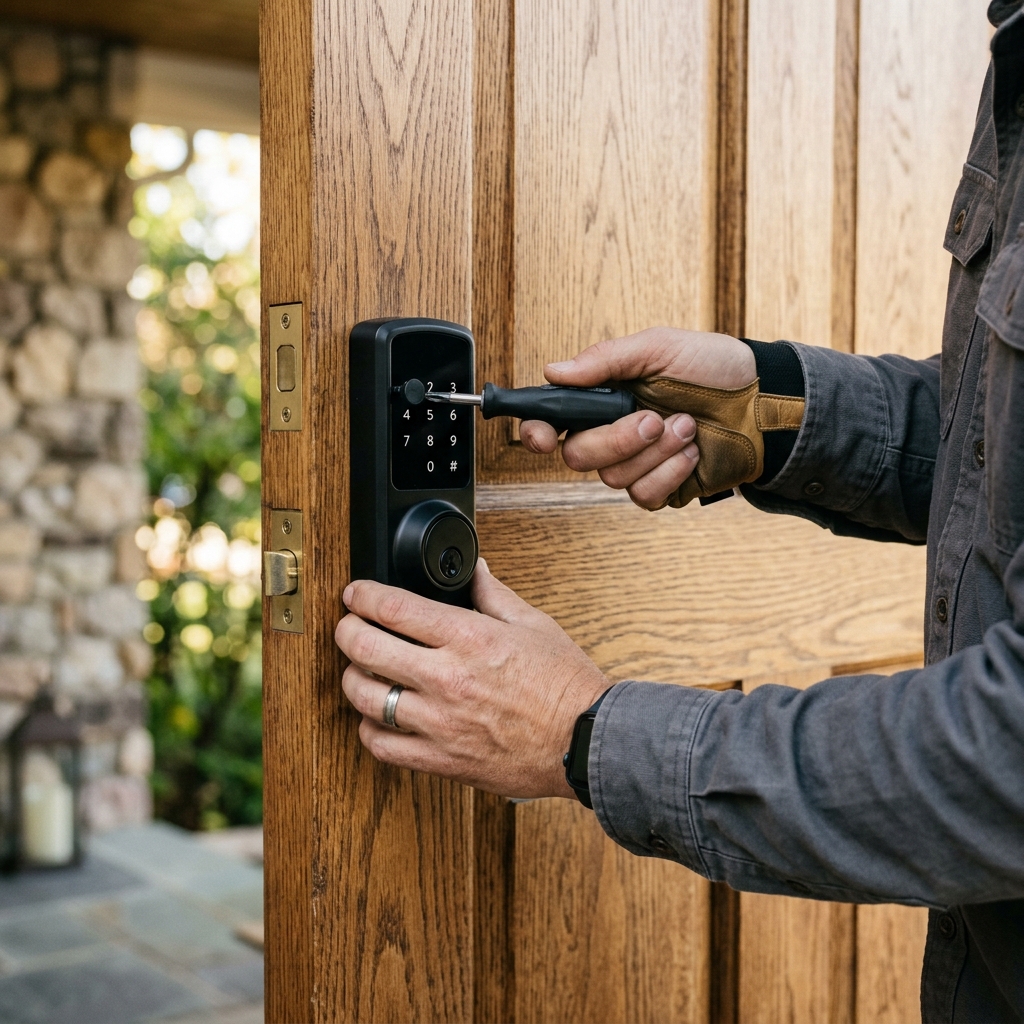
Keypad and smart deadbolts run on batteries, usually four AA cells in a pack on the inside of the door. When the batteries are fresh, the lock works quietly and reliably. When they run low, the lock gives warnings, slows down, and eventually stops responding to the keypad. A household that changes batteries on time almost never has trouble; one that ignores the warnings sooner or later finds itself outside a door that will not open.
Replacing the batteries is simple. Knowing when, how, and what to do if they die is what matters.
Most locks give weeks of warning. The trouble is that warnings are easy to ignore, especially on a lock that still seems to work.
Most locks keep their codes when the batteries are changed. Some may need the time reset, or reconnection to Wi-Fi or a hub.
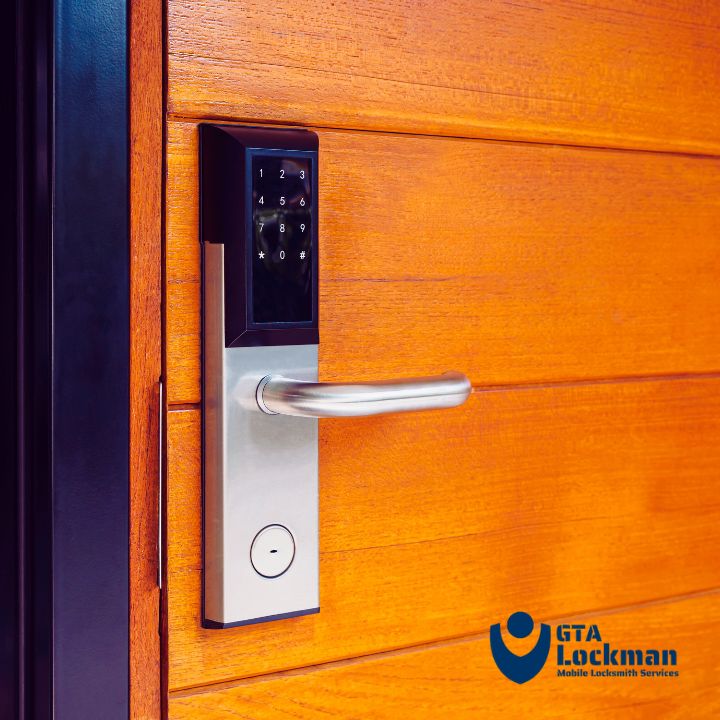
Use what the manufacturer specifies. Most keypad deadbolts specify alkaline AA batteries. Some allow lithium AA, which last longer and cope better with cold. Some specifically warn against rechargeable batteries, because their lower voltage can confuse the low-battery warning, so the lock goes from fine to dead with little notice.
Do not mix old and new batteries, or different brands. A weak cell drags the others down.
Buy from a reliable source. Cheap or old stock batteries may have lost much of their charge before they are fitted.
Typical battery life for a keypad deadbolt ranges from several months to over a year, depending on:
That last point is often overlooked. A motor that has to fight a misaligned strike uses far more power, and batteries die much sooner. Checking that the bolt slides freely into the strike with the door closed can double battery life, and correcting the strike is the same work as deadbolt throw checks.
Photos
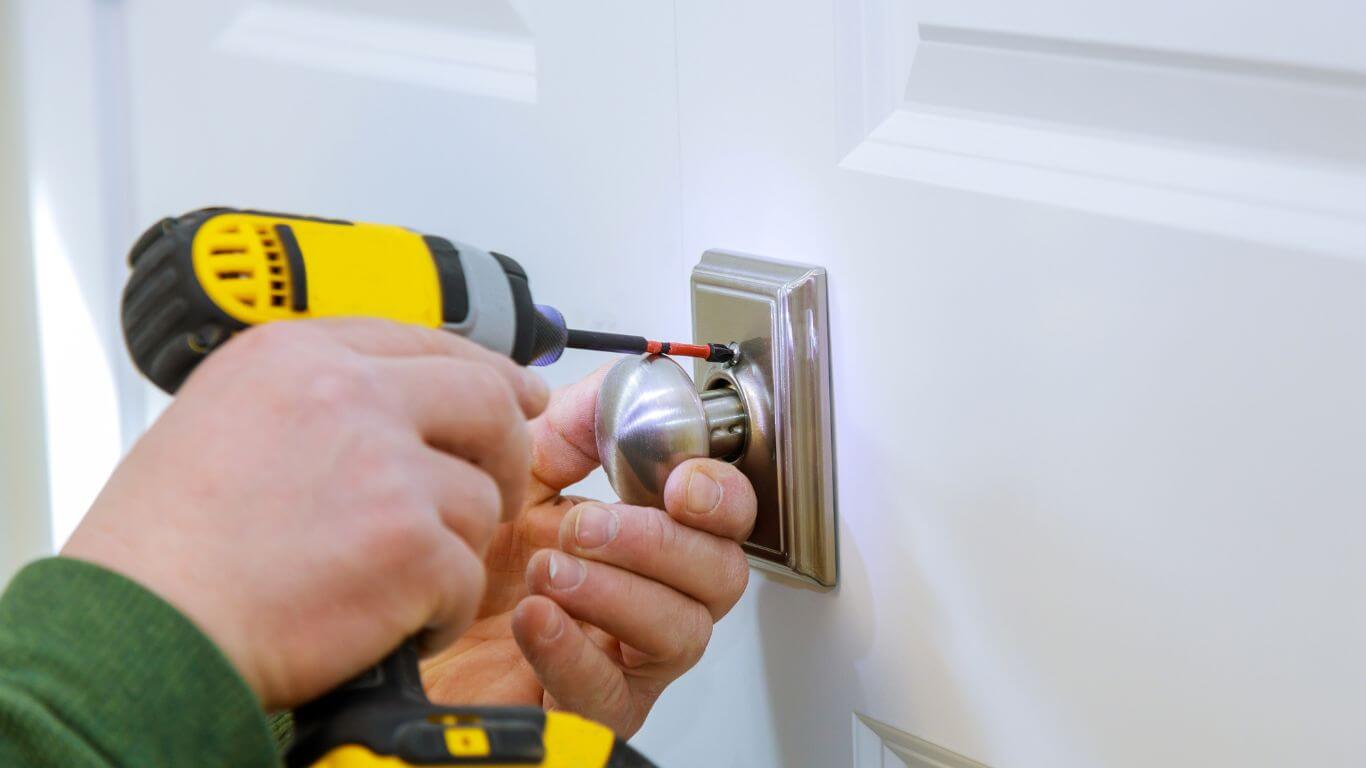
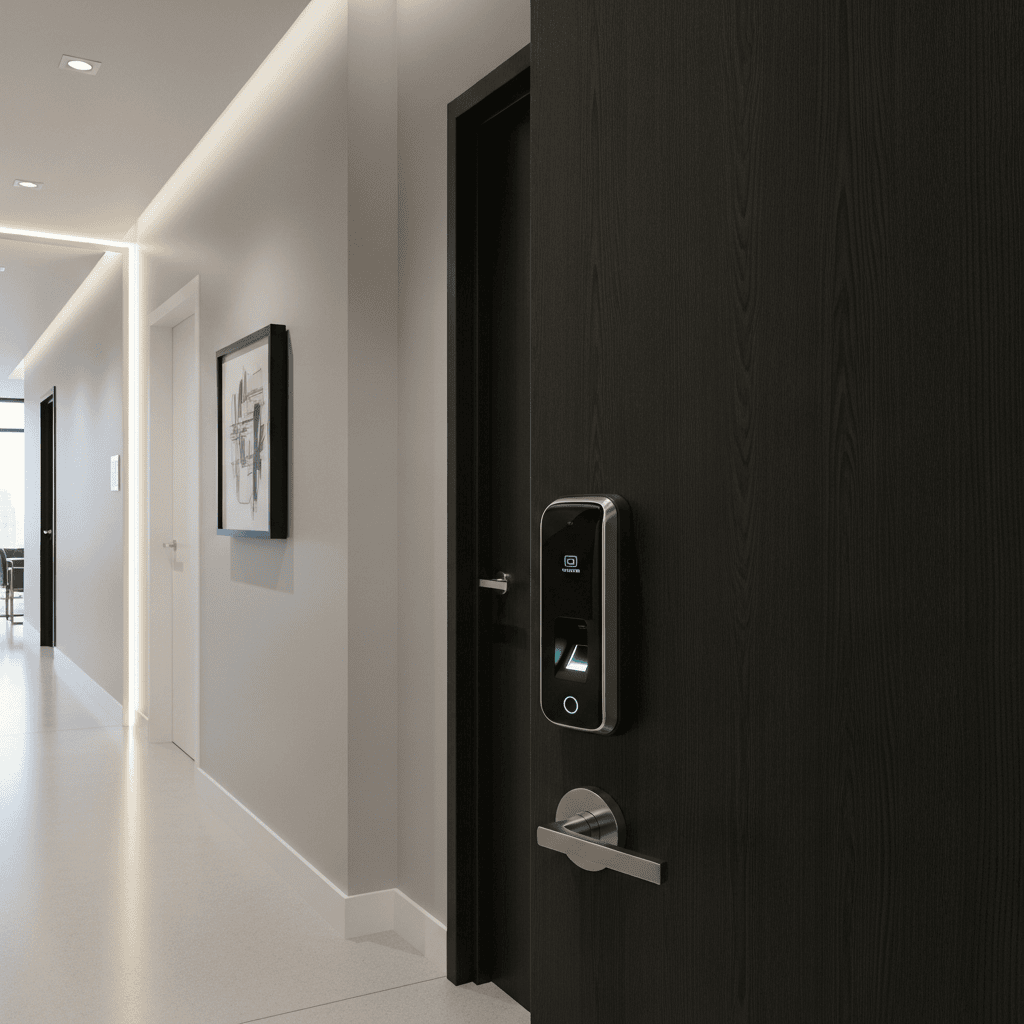
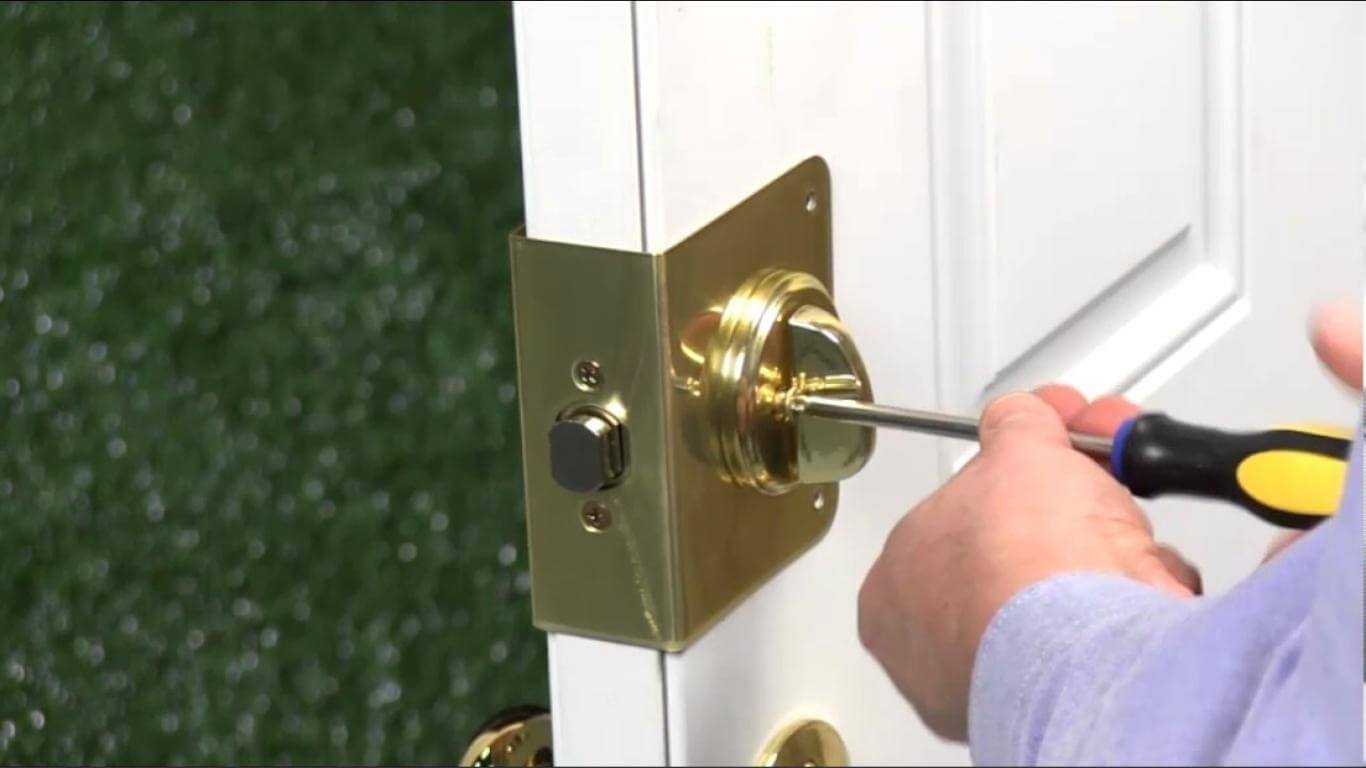
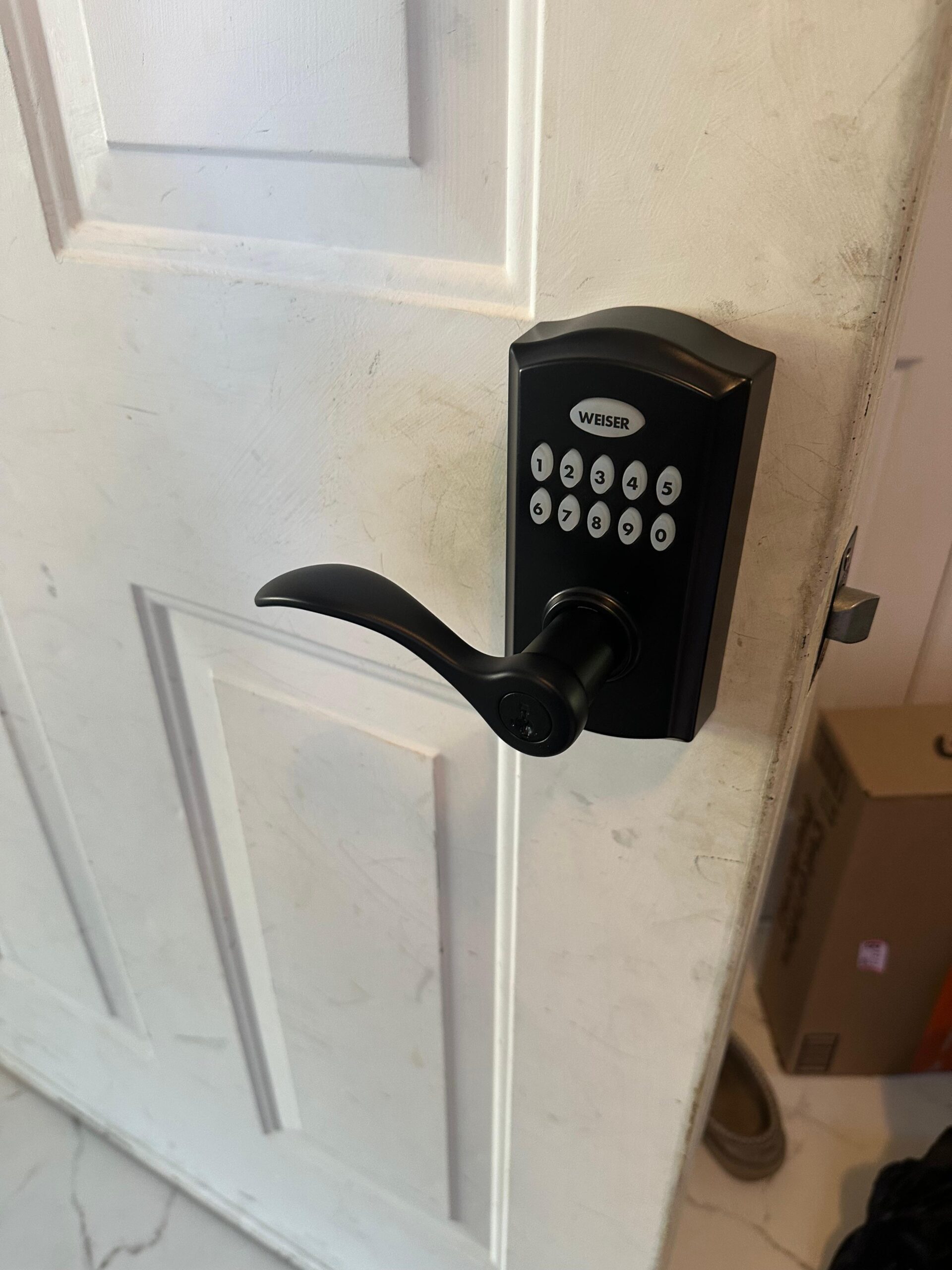
Photographs from GTA Lockman Mobile Locksmith Services work across Toronto and the GTA. Send a picture of your own door and we can tell you what the visit would involve.
Battery capacity drops in the cold. A keypad on an exterior door facing the weather in a GTA winter may run down faster and give fewer warnings. Lithium batteries, where the manufacturer permits them, often handle cold better. Changing batteries in late autumn before the cold arrives avoids most winter failures, along with other steps for frozen door locks in winter.
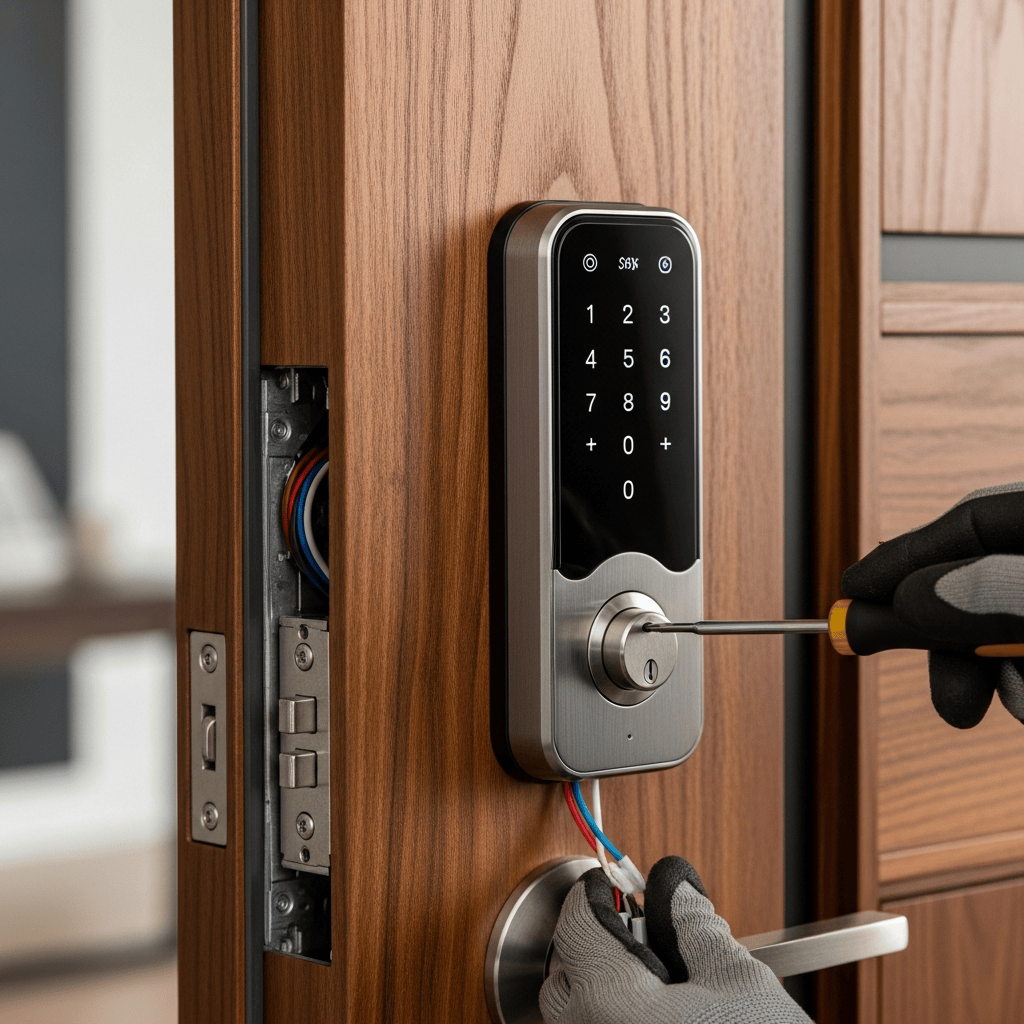
If the lock no longer responds and you are outside:
Use the backup key. Most keypad deadbolts have a key cylinder for exactly this situation. Keep a key somewhere you can reach from outside, such as with a trusted neighbour or in a key safe, because a key inside the house is no help.
Use external power, if your lock has it. Some locks have terminals on the outside for a 9-volt battery to be held against them, giving enough power to enter a code and unlock. Others use a USB-C port on the keypad. Check your lock's manual now, before you need it.
Get help. If there is no key and no external power option, entry may need a locksmith. The steps are the same as for a smart lock that stopped working.
The simplest habit is a calendar reminder to change the batteries on a fixed schedule, say every spring and autumn, whether or not the lock is warning. Batteries are inexpensive compared with a lockout. Mark the date inside the battery cover with a pencil each time.
Where the lock is used by an older family member, a tenant or a short-term rental guest, someone needs to take responsibility for batteries. Landlords and hosts should change batteries between tenants or guests, and family members should check a parent's lock on a schedule rather than relying on them to notice warnings.
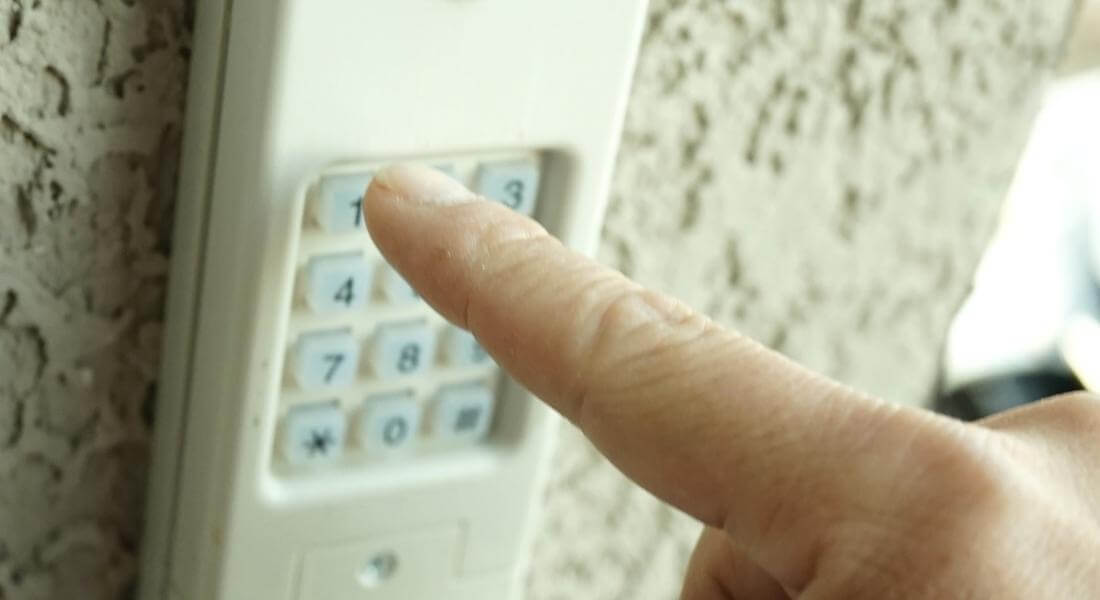
If fresh batteries do not cure slow operation or repeated jams, the problem is mechanical: the strike, the door alignment, or worn internal gears. Adjusting the door and strike fixes most of these; a worn lock may need replacing, as with smart lock repair and troubleshooting.
Battery changes are a good moment to review codes. Delete codes for people who no longer need access, change any code that has been shared widely, and confirm the master code still works. Many locks make this easy from the inside unit or the app. Keeping a note of who has which code, alongside the battery change date, keeps the lock under control.
Keypads on garage side doors and back doors are often used less than the front door, and their low-battery warnings may go unnoticed for weeks. They also face the weather more directly. Including every keypad lock in the spring and autumn battery change avoids finding a dead lock on a door that is rarely used, such as the keypad discussed for garage side door locks.
Some smart locks connect through a separate hub or Wi-Fi bridge that plugs into a wall socket. If the hub loses power or connection, the lock may still work locally but stop reporting to the app. Checking the hub when changing batteries keeps remote access working.
Old batteries left in a lock for a long time can leak and corrode the battery contacts. If you see white or green deposits, clean the contacts gently and replace the batteries. Corrosion that has damaged the contacts may mean the battery pack or the lock needs replacing.
Used batteries should go to a battery recycling drop-off rather than household waste. Many hardware stores and municipal depots in the GTA accept them.
When buying a new keypad deadbolt, compare stated battery life, low-battery warning behaviour, the backup key or external power option, and whether the lock works without Wi-Fi. Locks that connect through Bluetooth or a hub generally use less power than those connecting directly to Wi-Fi.
Many keypad deadbolts hold the batteries in a removable pack connected to the lock by a small plug and cable. Over time, the plug can work loose or the cable can be pinched when the cover is refitted. If the lock behaves erratically after a battery change, check that the connector is fully seated and the cable is not trapped.
Lithium AA batteries last longer and cope better with cold, but some locks read their voltage differently, so the low-battery warning may come later and more suddenly. Where the manufacturer approves lithium batteries, they are a good choice for exterior doors facing winter weather; where it does not, stay with alkaline.
After every battery change, test:
A few minutes of testing avoids discovering a problem when you are outside with your hands full.
Keypad locks on doors to unheated garages, porches and sunrooms face colder conditions than front doors, and their batteries run down sooner in winter. Changing them before winter, and choosing a model rated for the temperature range it will face, keeps them working through the cold months.
Keeping a fresh set of the right batteries in a drawer near the door means a low-battery warning can be dealt with when it appears, rather than waiting until the next trip to the store. Check the expiry date on stored batteries now and then.
Some newer smart locks use a built-in rechargeable pack that is removed and charged with a cable. Keep track of the charge level, and charge it before it runs low, since the lock cannot be used electronically while the pack is out unless a spare pack is available.
Keypad deadbolts run on their own batteries, so they keep working during a power outage at the house. Locks that connect through a Wi-Fi hub may lose remote access during an outage, but the keypad and thumbturn still work locally. Knowing this avoids worry when the power goes off.
If a lock loses its codes after a battery change, which a few models do, the master code or the app is needed to set them up again. Keeping the master code written down somewhere secure, separate from the lock, avoids being unable to reprogram it.
Tell us which lock you have, how it is behaving, and whether fresh batteries made a difference. Photographs of the inside unit and the strike help.
We can adjust doors and strikes so keypad locks use less power, repair or replace failing keypad locks, key the backup cylinder to your house key, and help with entry when a dead lock leaves you outside. Keypad lock options and installation are part of keypad locks.
Keep reading
Look for a low-battery light, beep pattern or app alert, a slower motor, or a lock that takes several attempts. Most locks give weeks of warning.
Look for a low-battery light, beep pattern or app alert, a slower motor, or a lock that takes several attempts. Most locks give weeks of warning.
Use the type the manufacturer specifies, usually alkaline AA. Some allow lithium AA. Avoid rechargeables unless the maker approves them, since they can confuse the low-battery warning.
Usually not. Most keypad locks keep their codes. Some may need the time reset or a reconnection to Wi-Fi.
From several months to over a year, depending on use, connectivity, temperature and how freely the bolt moves in the strike.
Often the bolt is binding in the strike, making the motor work harder. Wi-Fi connections and cold weather also shorten battery life.
Use the backup key if you have one outside the house. Some locks accept temporary power through external terminals or a USB-C port. Otherwise, a locksmith can help.
Yes. Changing them every spring and autumn, whether or not the lock warns, avoids most failures.
The problem is likely mechanical: door alignment, the strike or worn gears. Adjusting the door often helps; a worn lock may need replacing.
GTA Lockman Mobile Locksmith Services is a mobile locksmith working on homes, businesses and vehicles across Toronto and the GTA, in the trade since 2010. Every review is written by a customer on Google, where you can read them in full.
Areas served: Toronto, North York, Scarborough, Etobicoke, Vaughan, Richmond Hill, Markham, Stouffville, Newmarket, Mississauga, Brampton, Oakville, Milton, Halton Hills, Pickering, Ajax, Whitby, Oshawa, Uxbridge.
Describe the door, hardware and service address. Contact GTA Lockman Mobile Locksmith Services to confirm the scope and scheduling for your location.